Main Menu
3 tutorials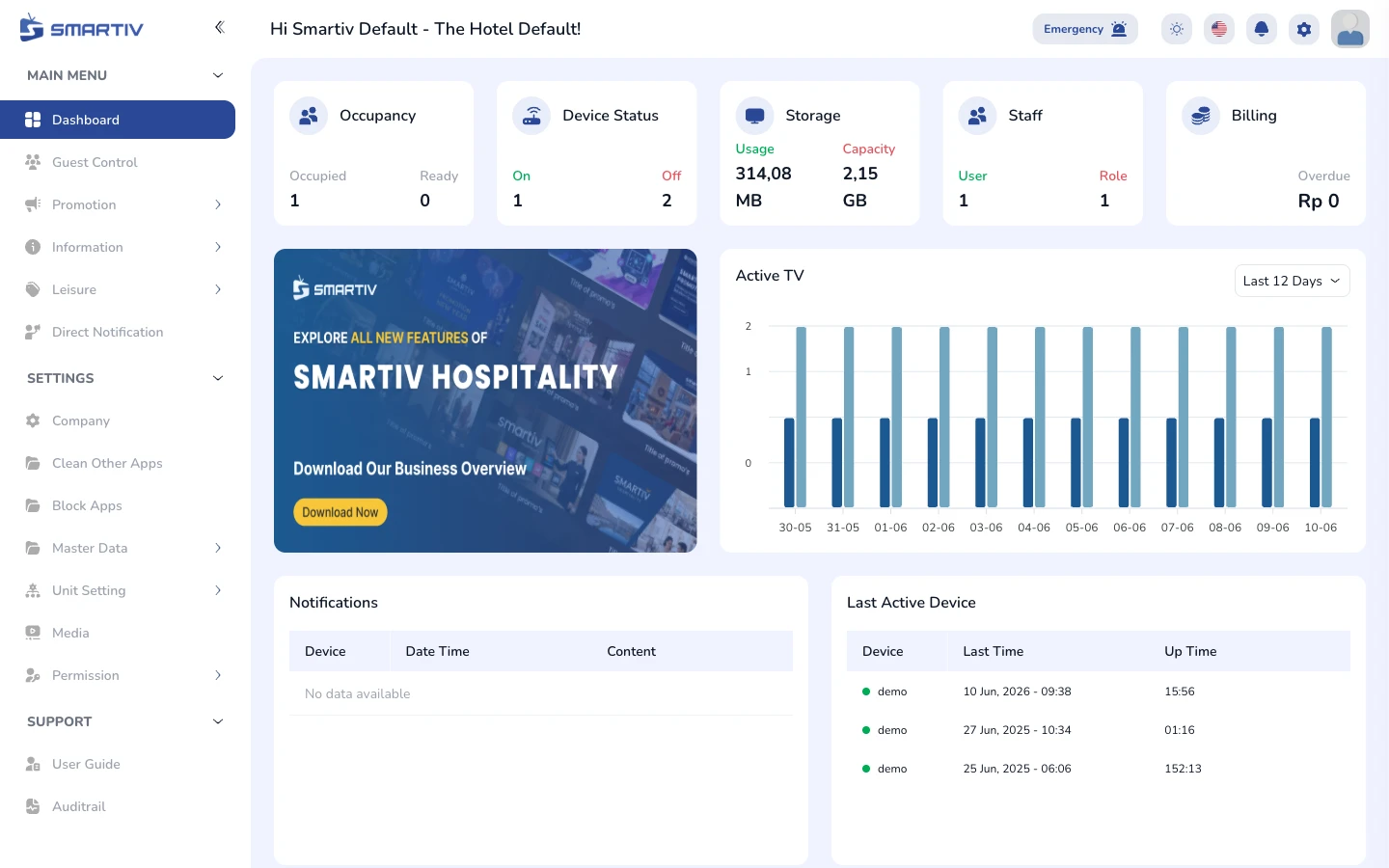
Dashboard
Overview of occupancy, device status, storage, and activity
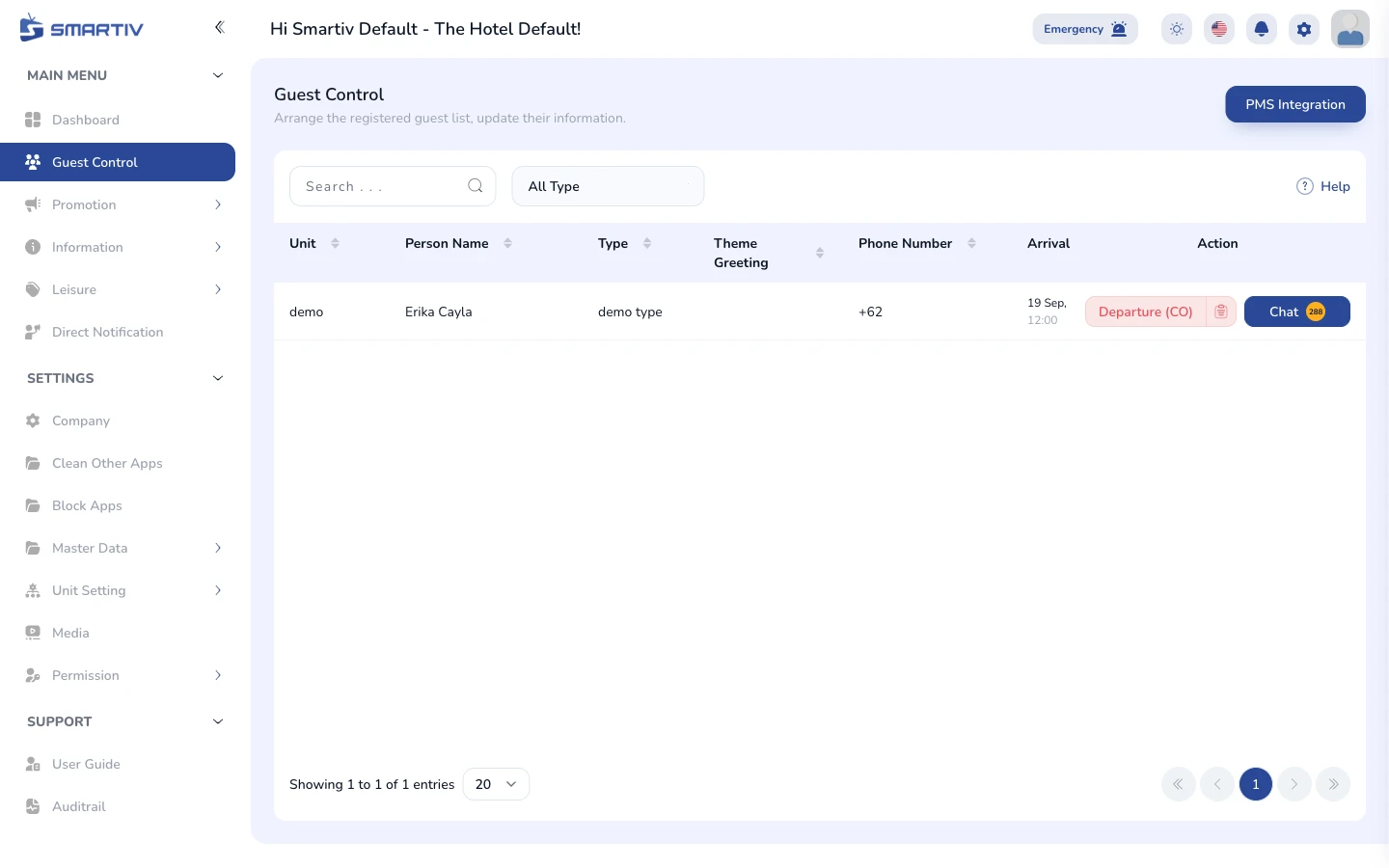
Guest Control
Monitor and manage in-room guest information per unit
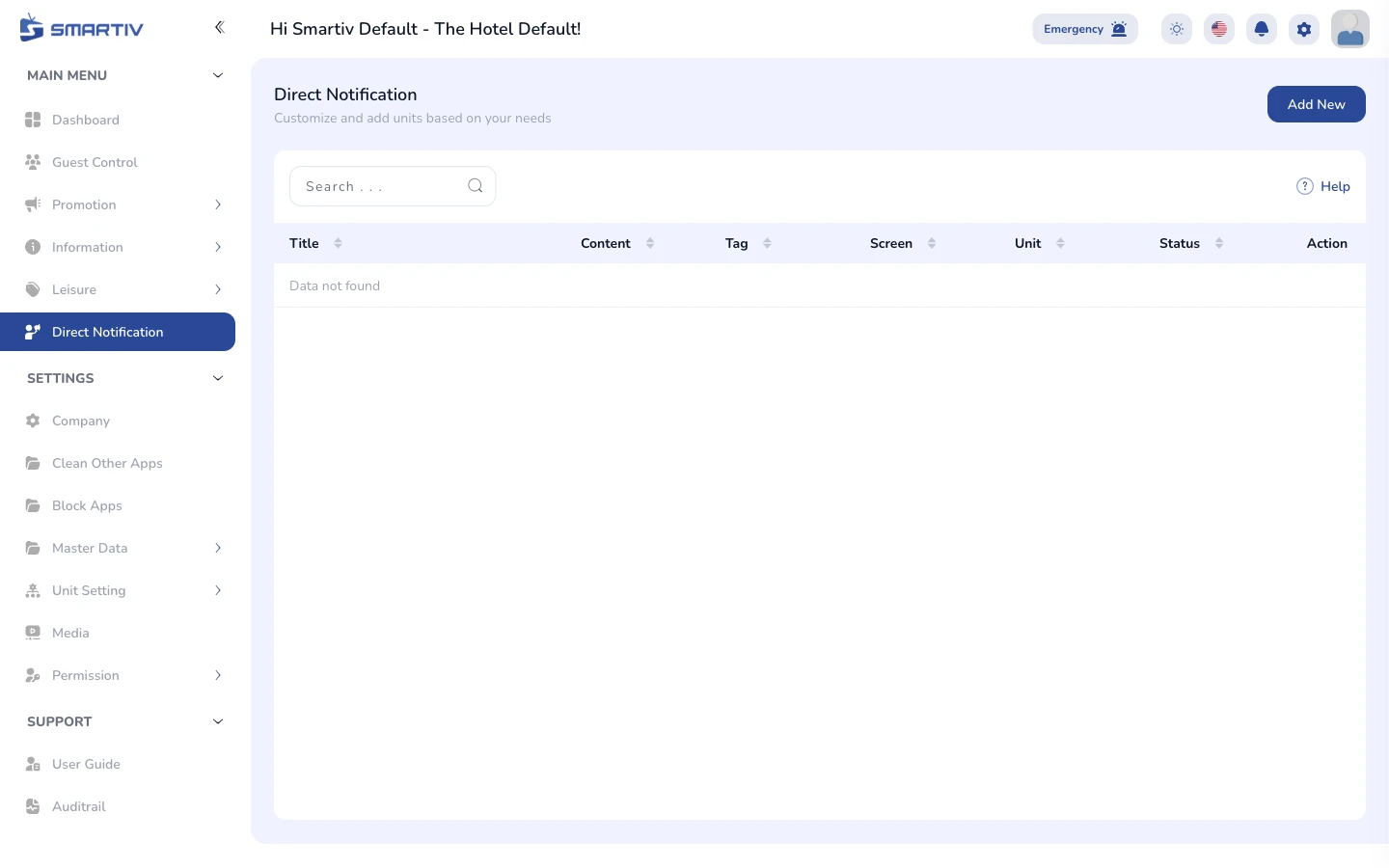
Direct Notification
Send messages directly to guest room TVs
Main Menu - Promotion
4 tutorials
Screen Saver
Manage the screensaver content shown when the TV is idle
Digital Signage
Manage full-screen signage content broadcast to the TVs
Information Slider
Manage the rotating information slides shown on the TV
Promotion
Manage promotional banners and campaigns shown to guests
Main Menu - Information
7 tutorials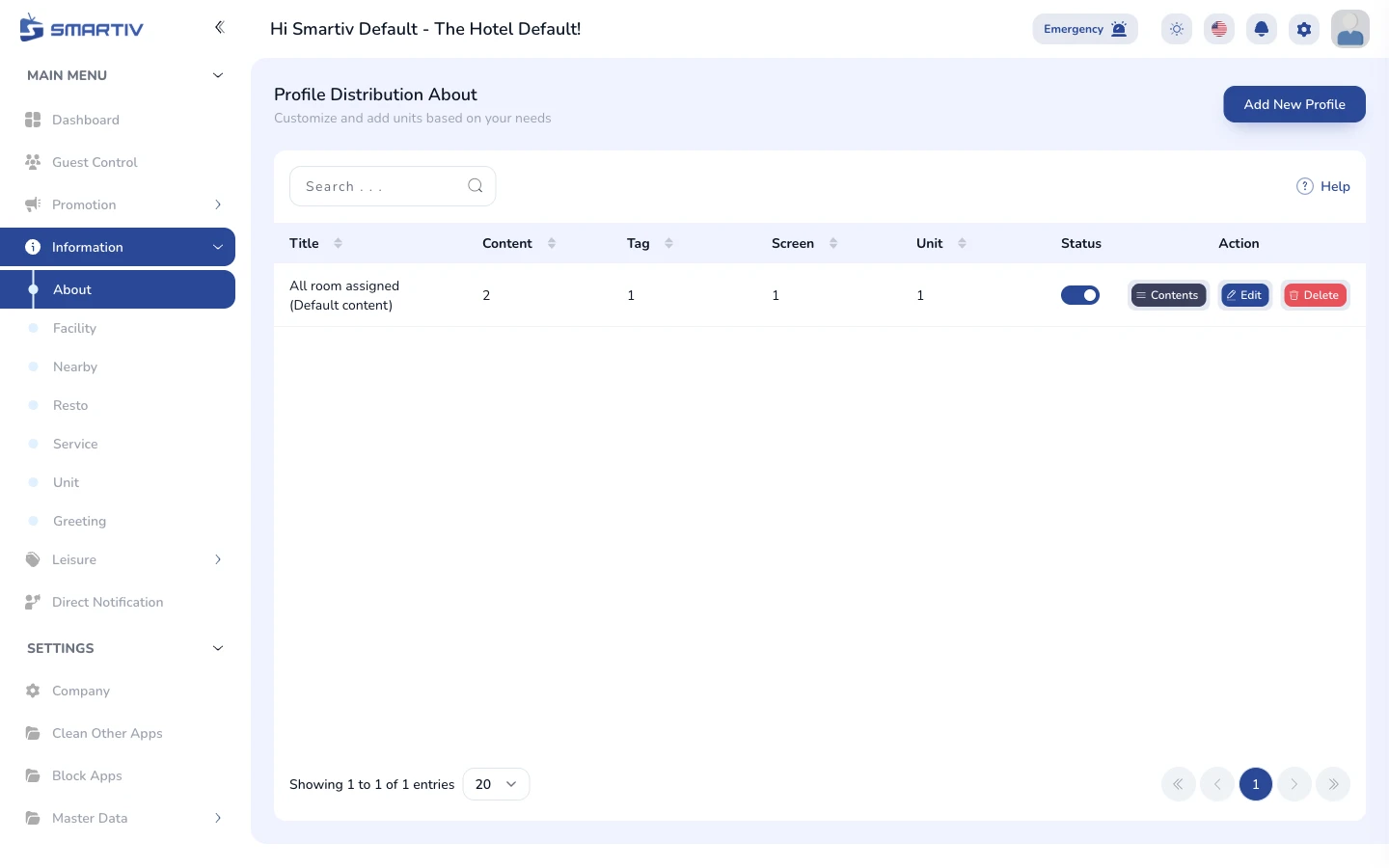
About
Manage the hotel profile shown on the About page of the TV
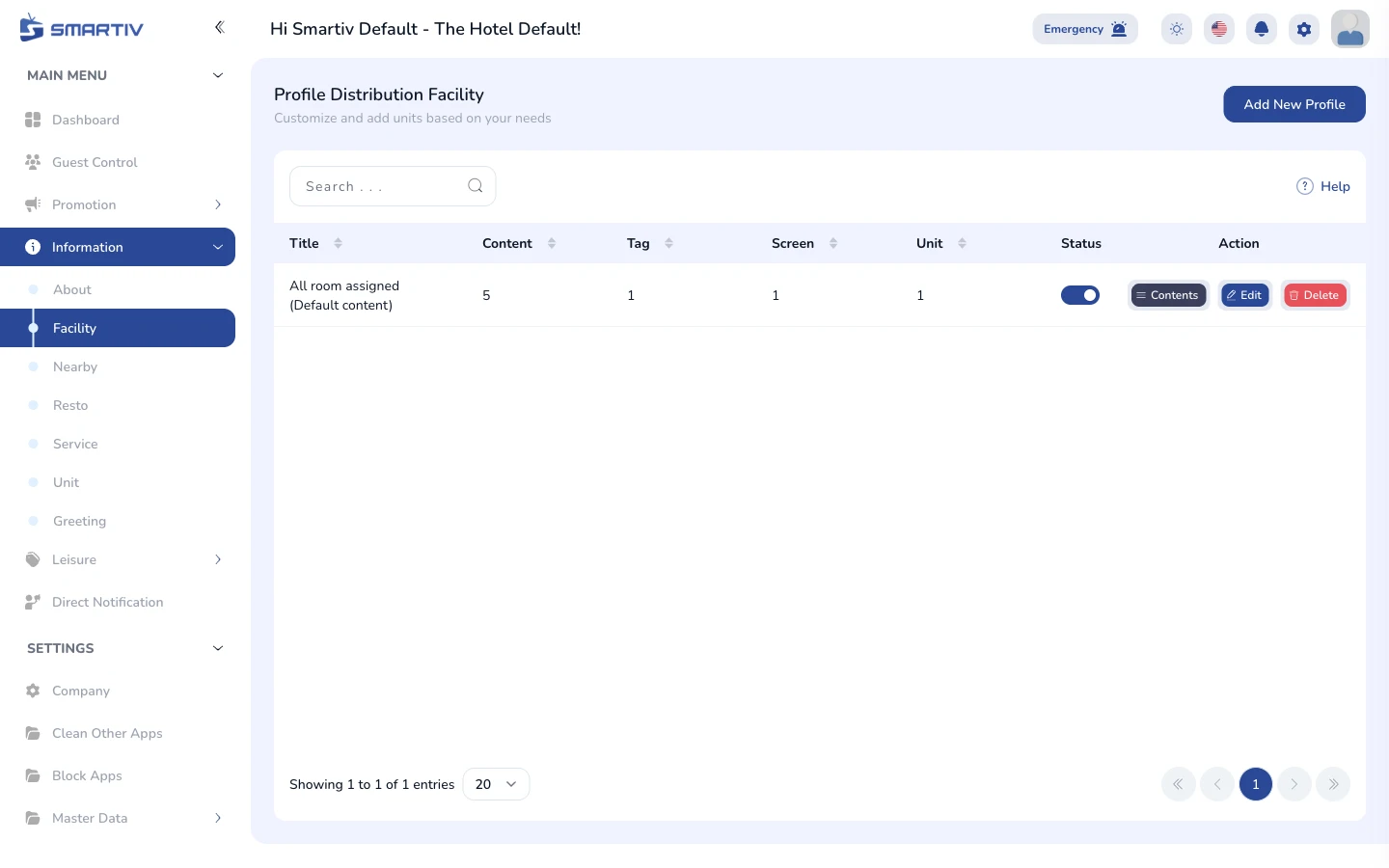
Facility
Manage the list of hotel facilities displayed on the TV
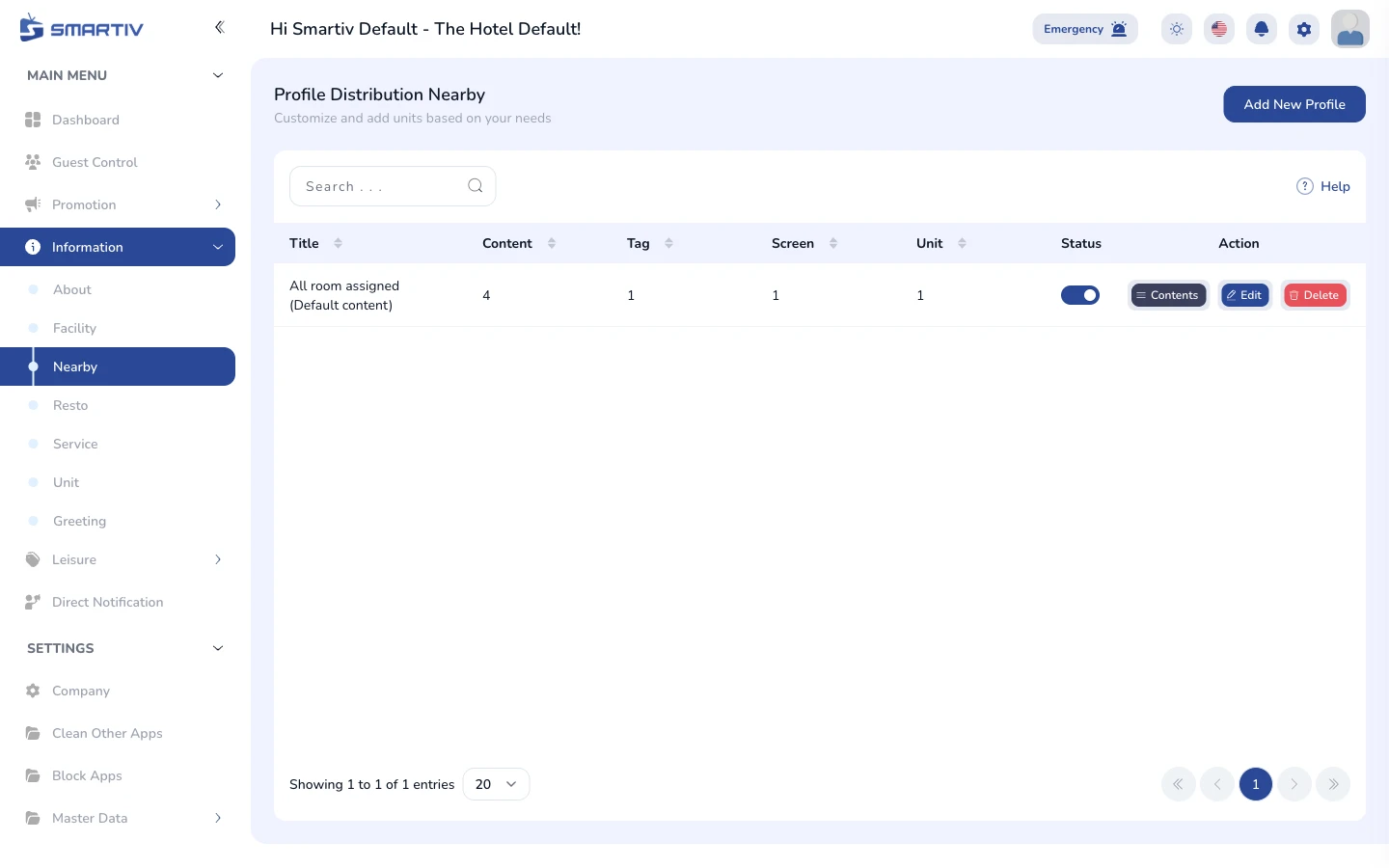
Nearby
Manage nearby places of interest shown to guests
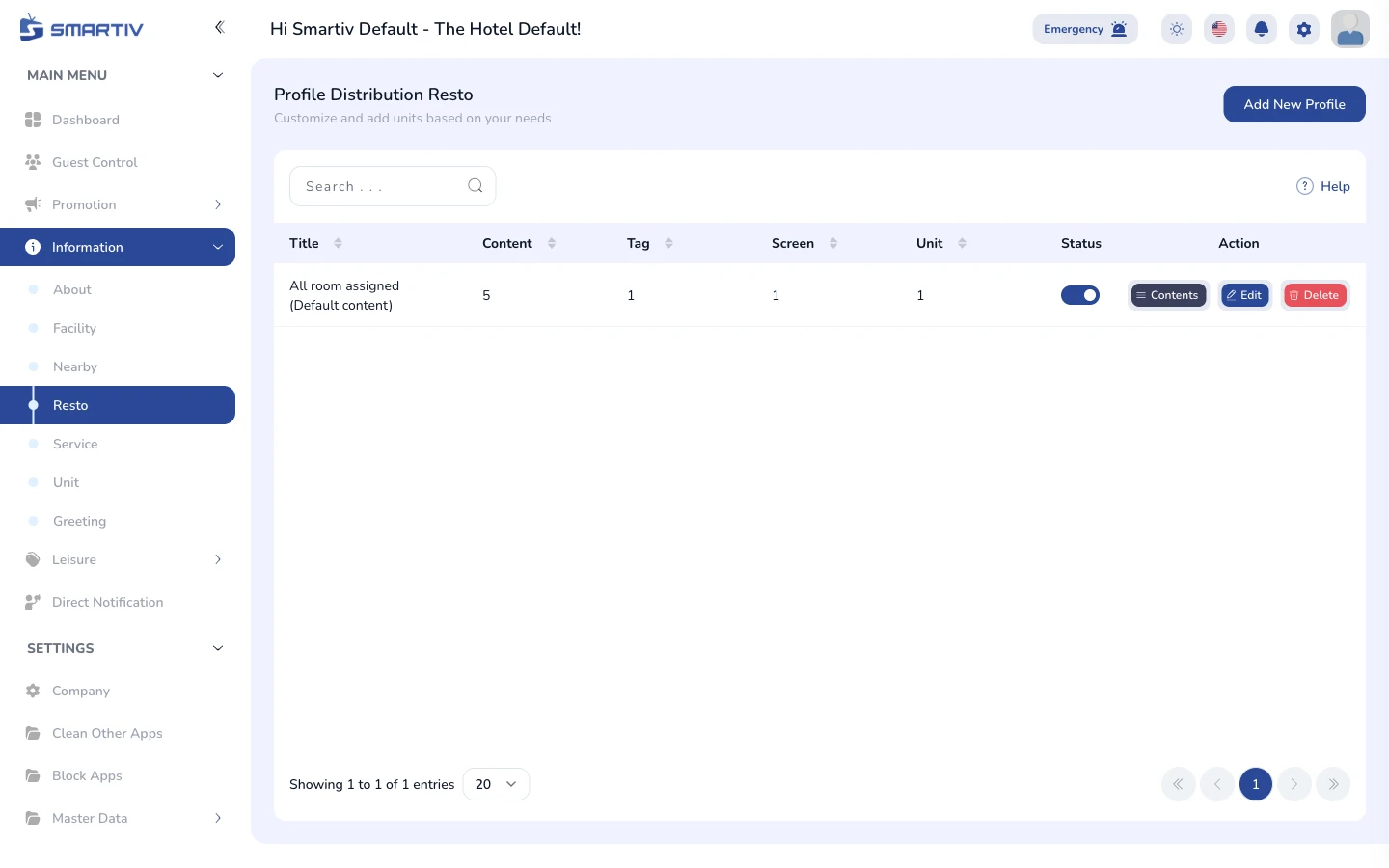
Resto
Manage restaurant information and menus shown on the TV
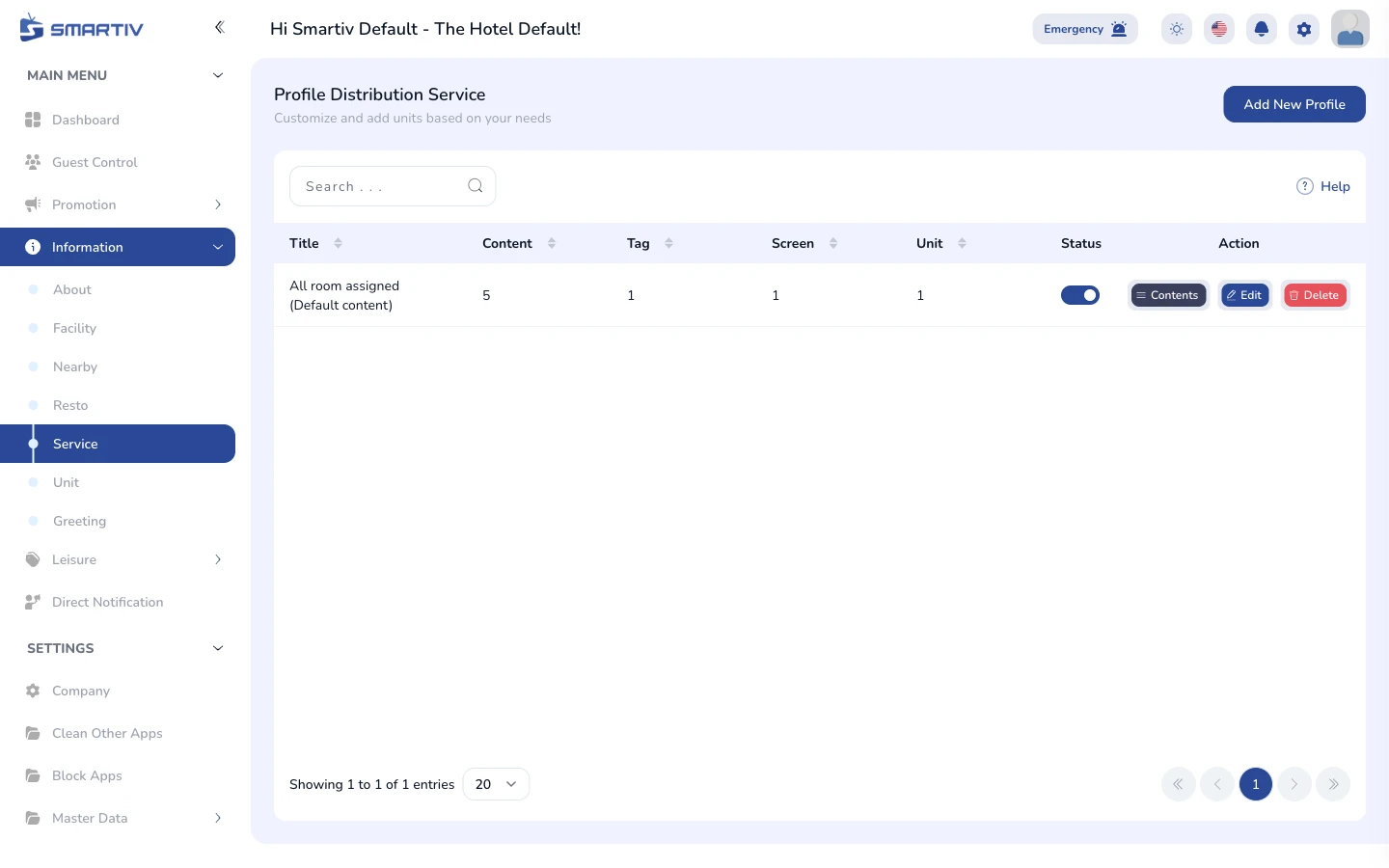
Service
Manage hotel services displayed to guests on the TV
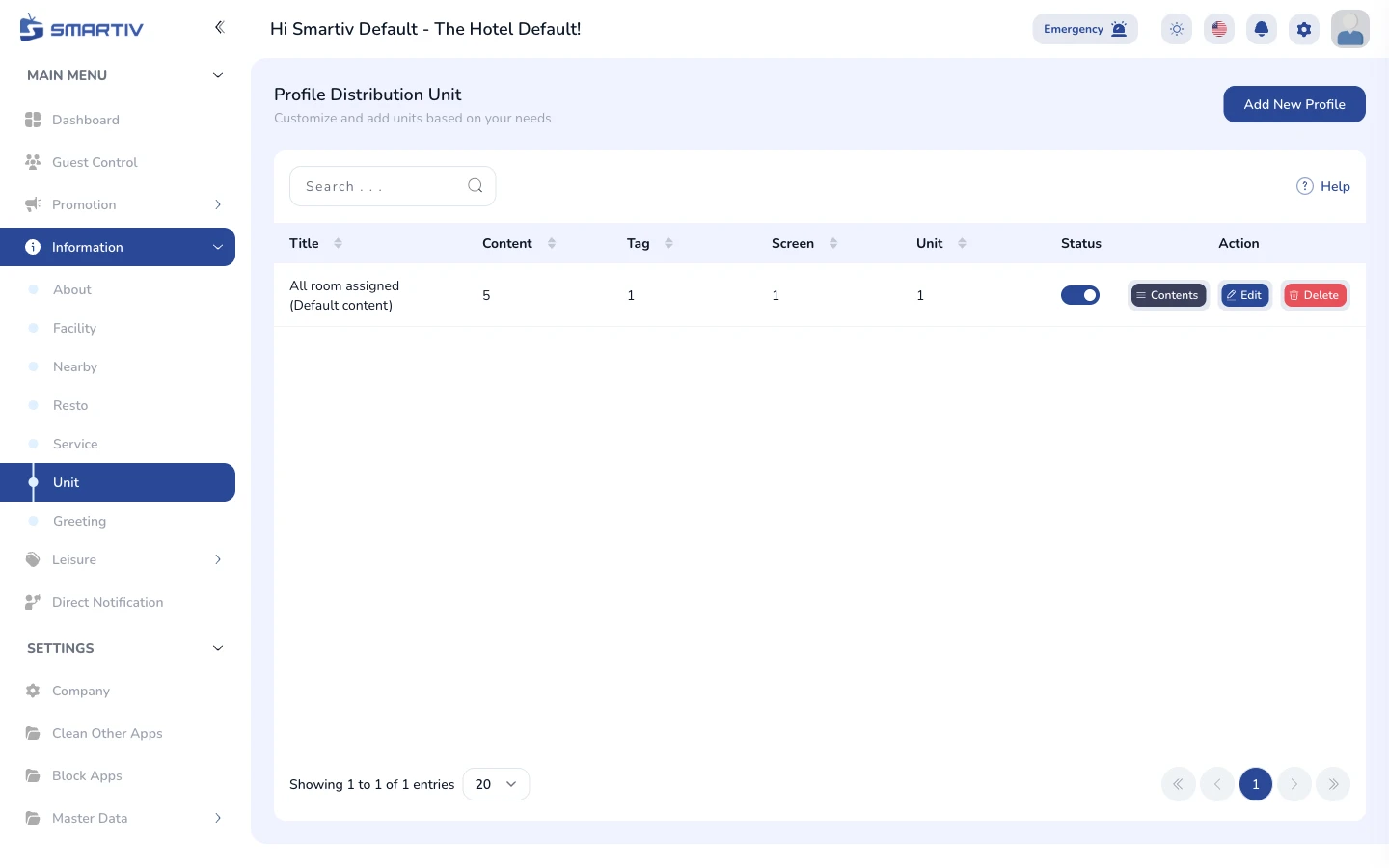
Unit
Manage room/unit type information shown on the TV
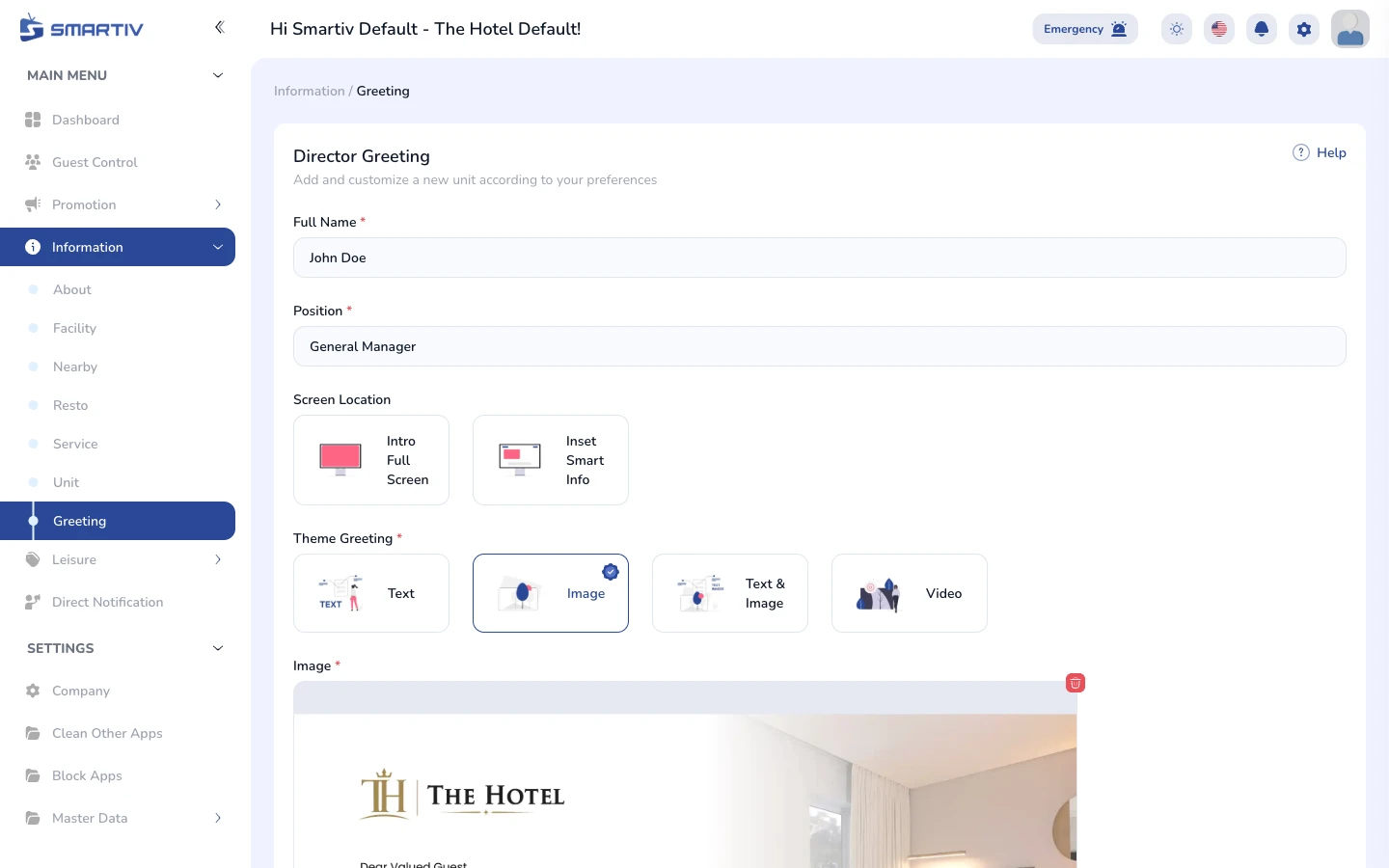
Greeting
Manage the welcome greeting shown to guests on check-in
Main Menu - Leisure
6 tutorials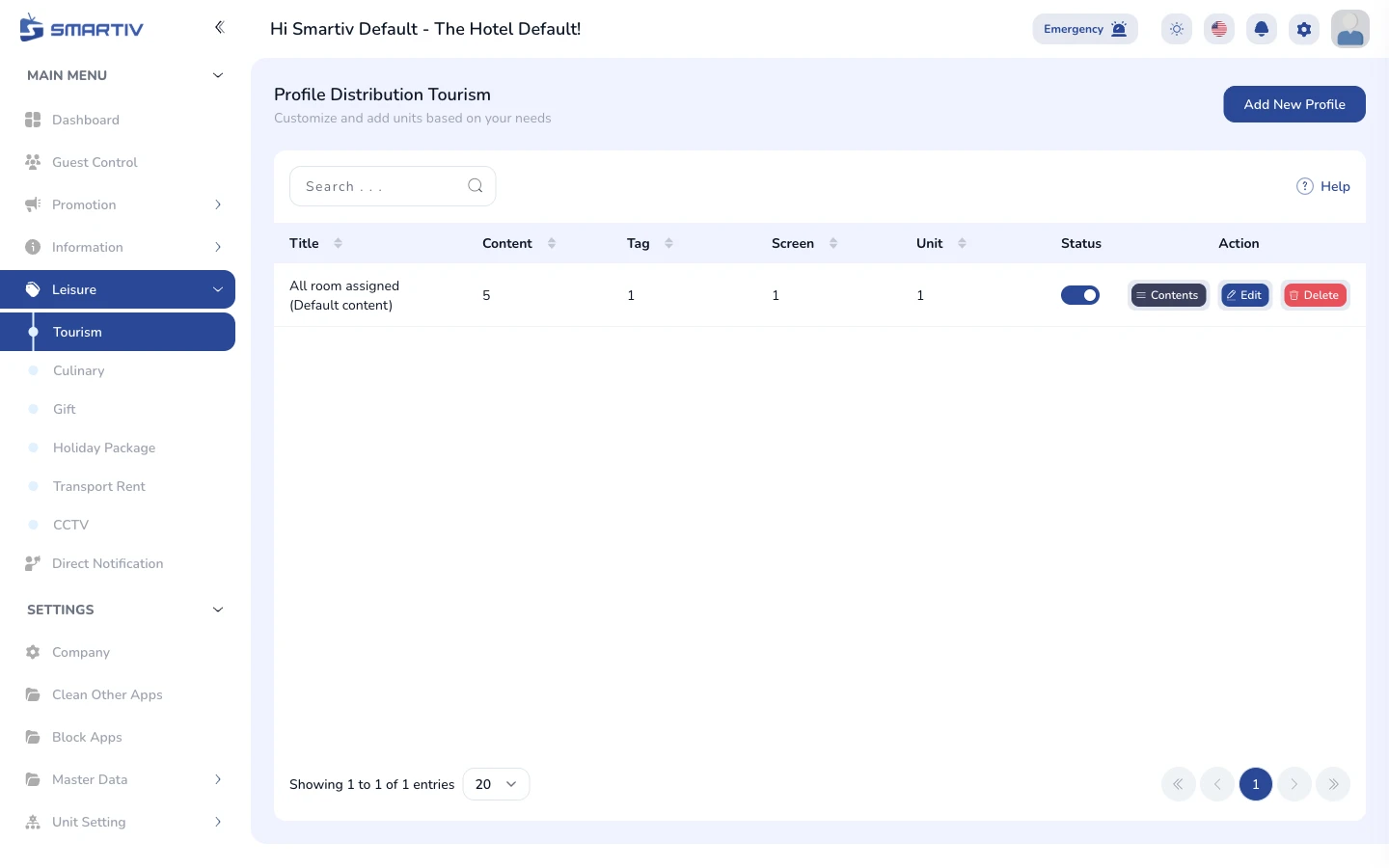
Tourism
Manage tourism destinations recommended to guests
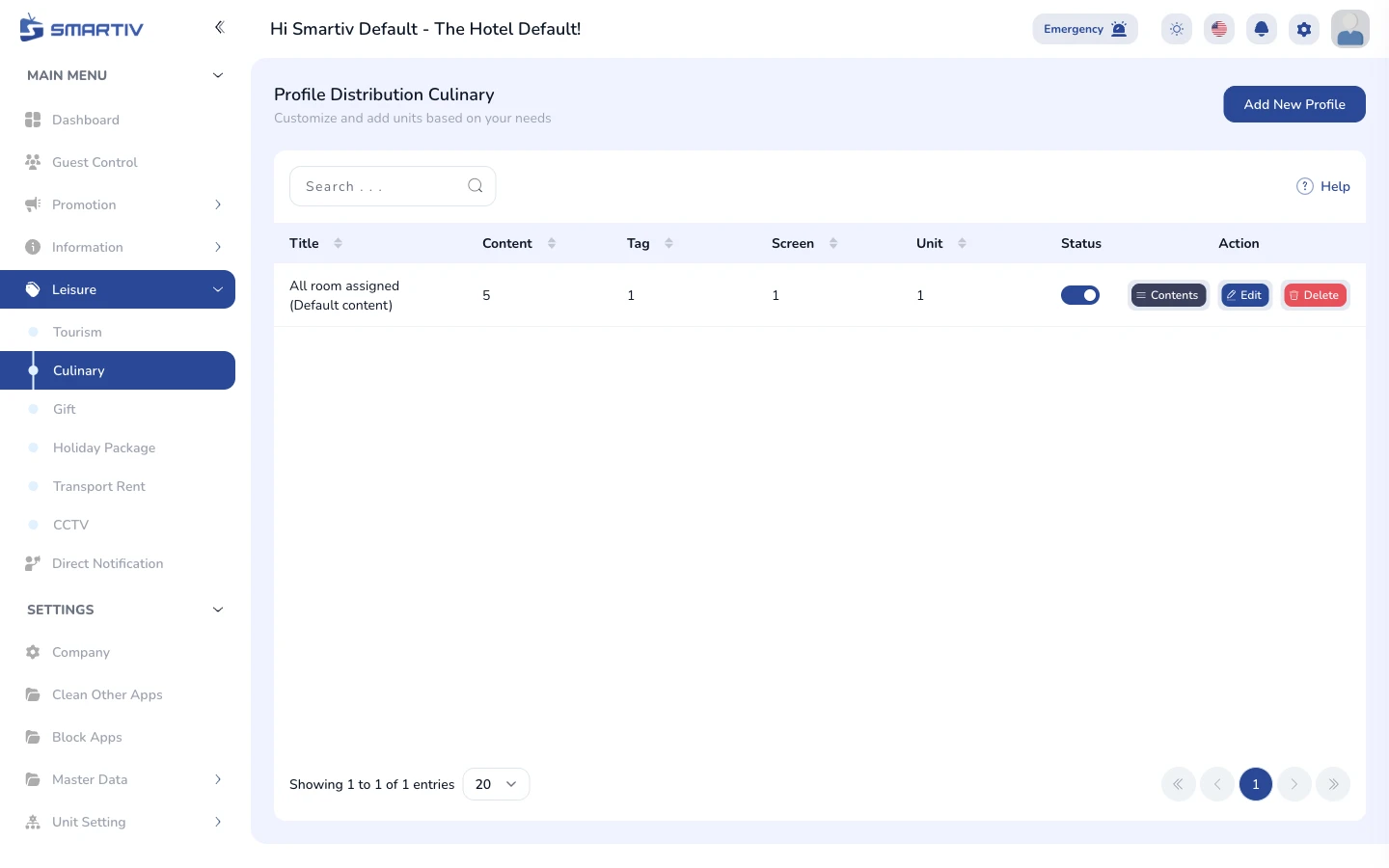
Culinary
Manage culinary recommendations shown to guests
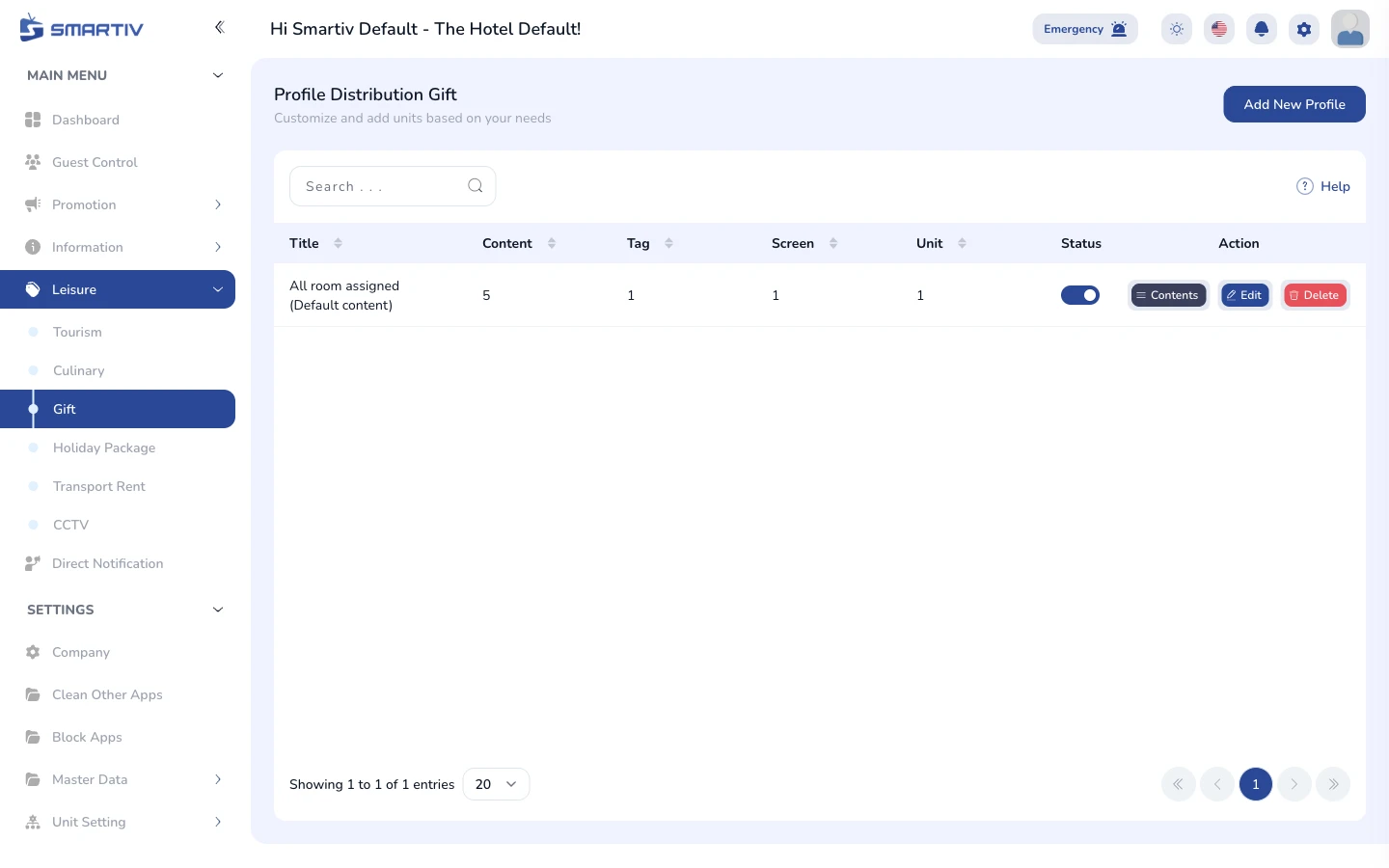
Gift
Manage gift and souvenir recommendations
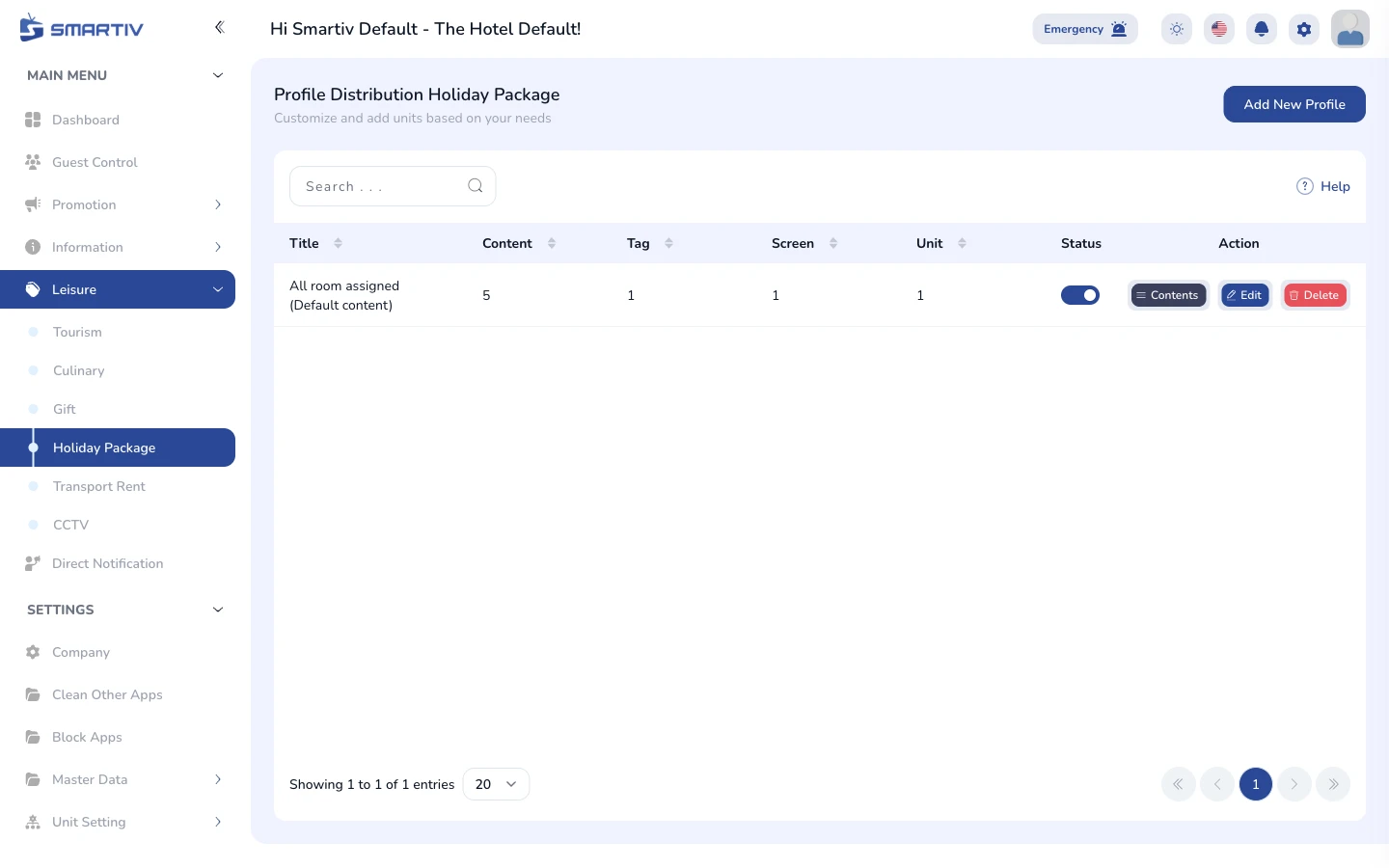
Holiday Package
Manage holiday packages offered to guests
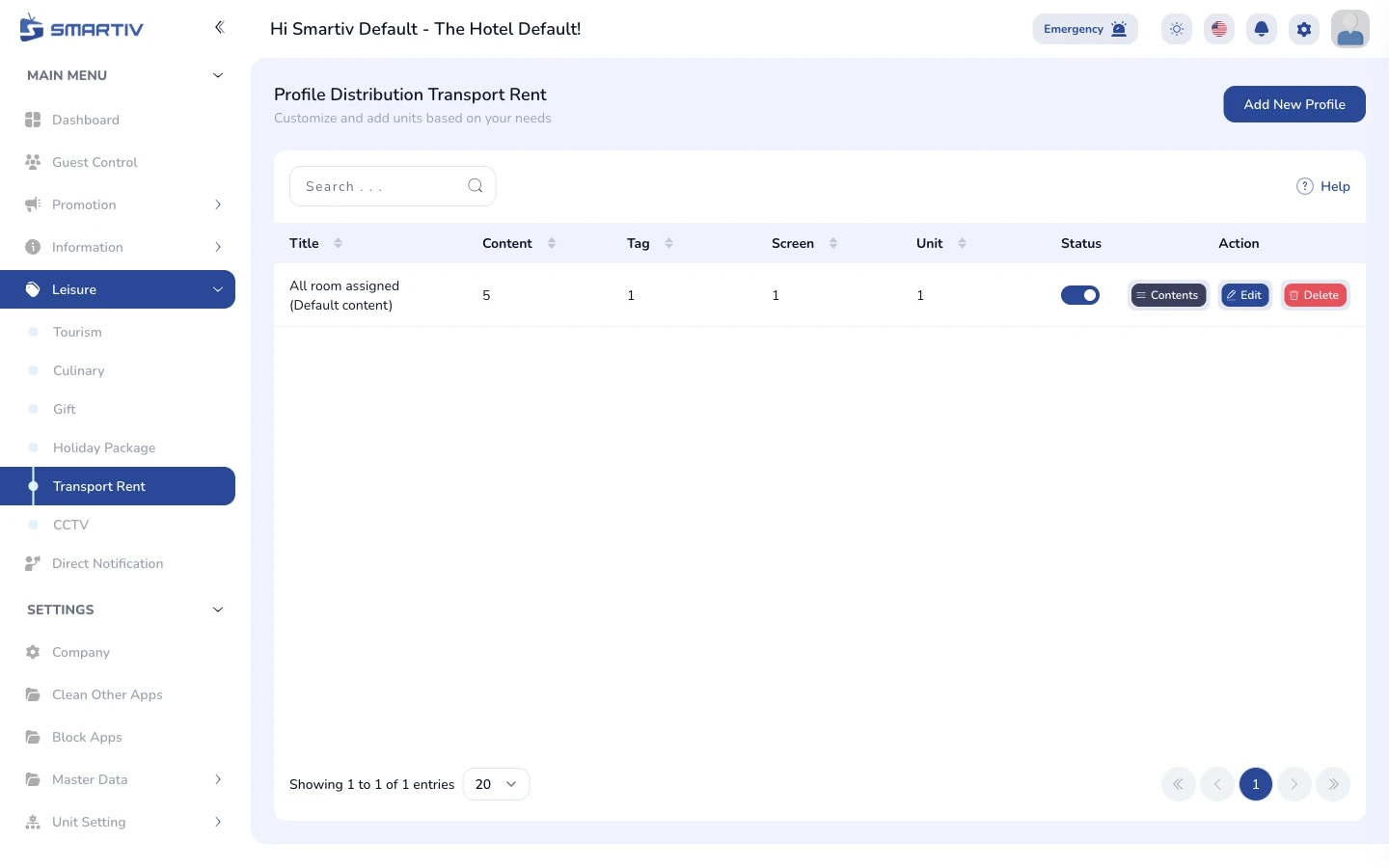
Transport Rent
Manage transport rental options shown to guests
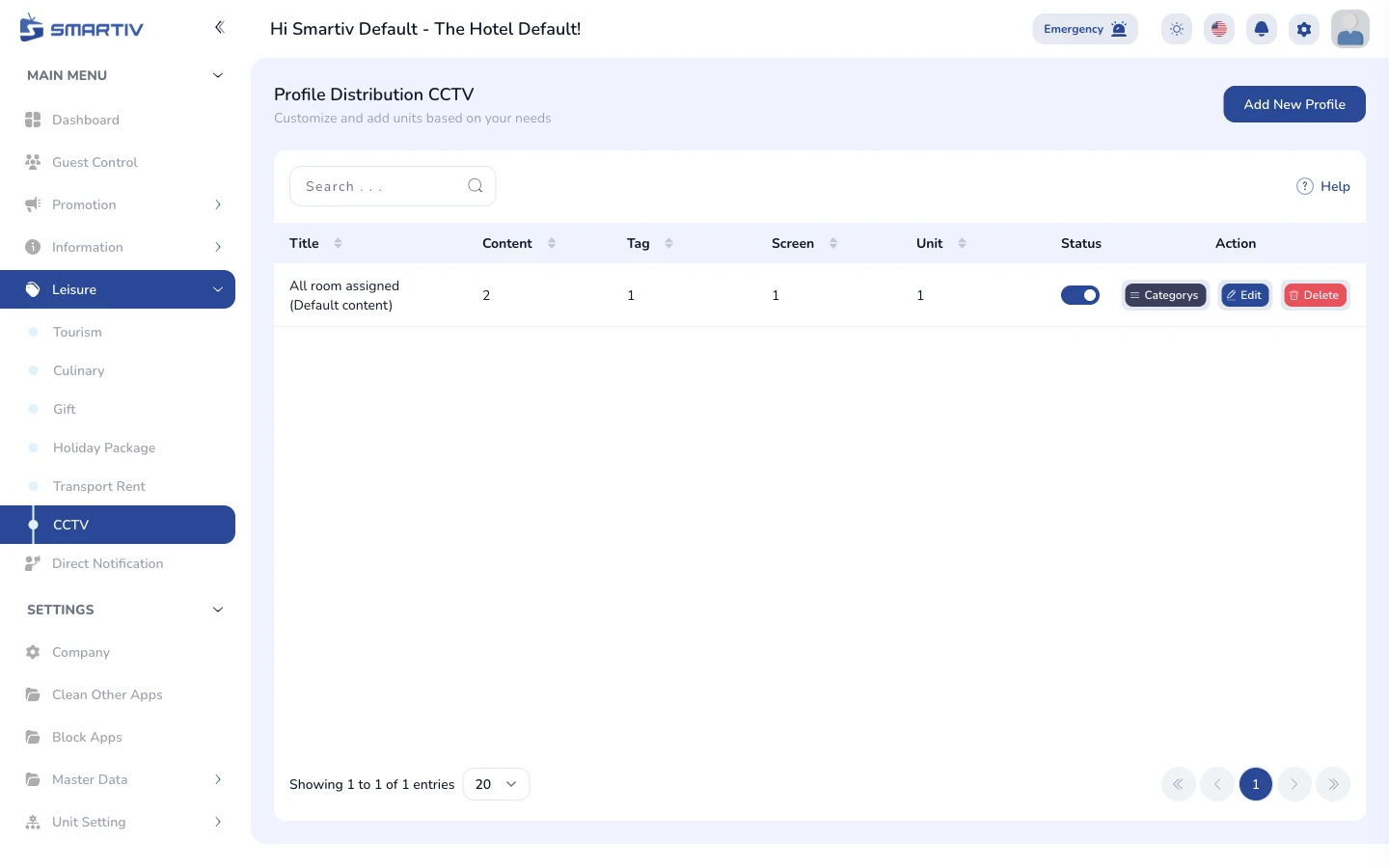
CCTV
Manage public CCTV streams viewable from the TV
Settings
4 tutorials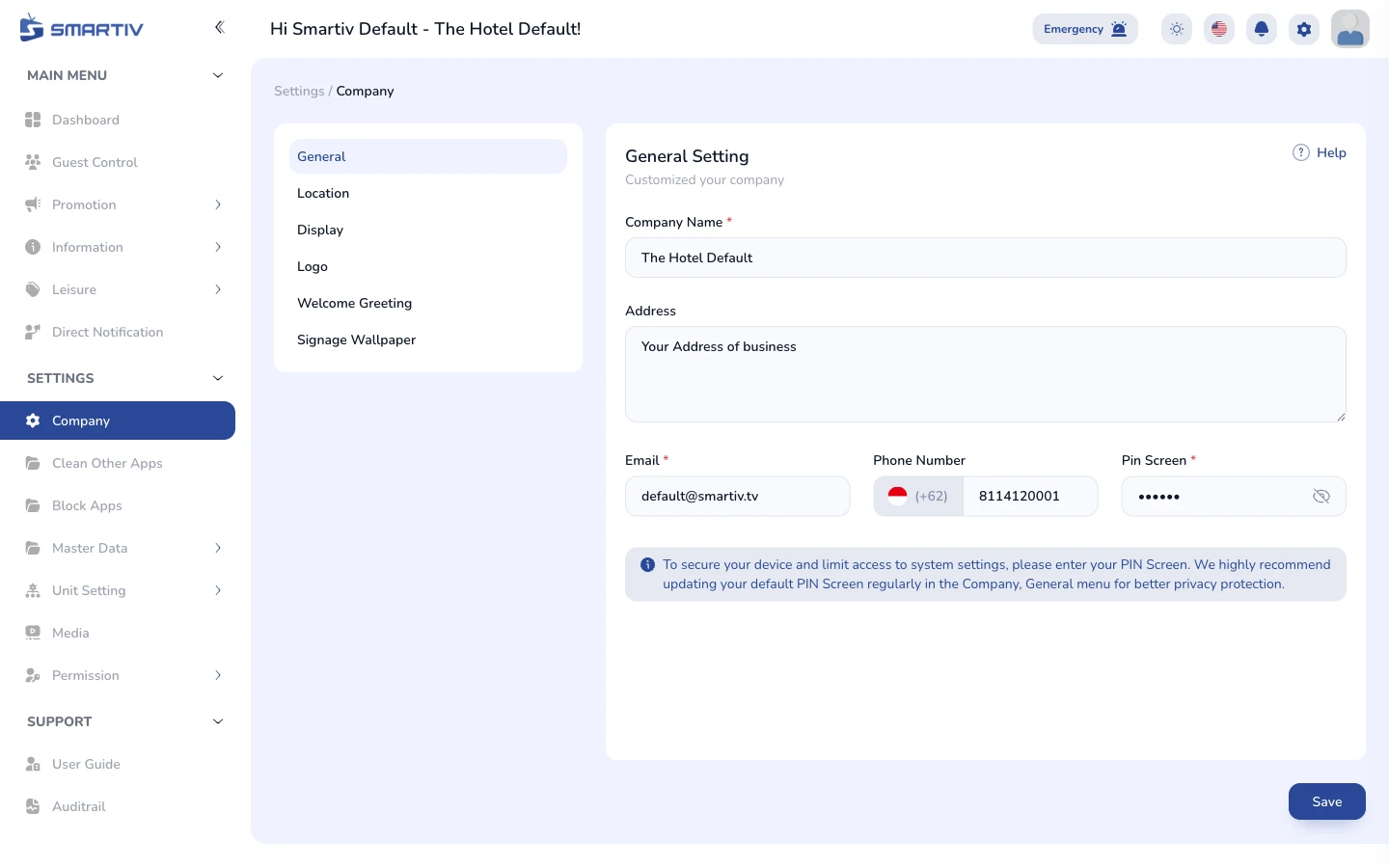
Company Settings
Configure your property name, logo, and business details
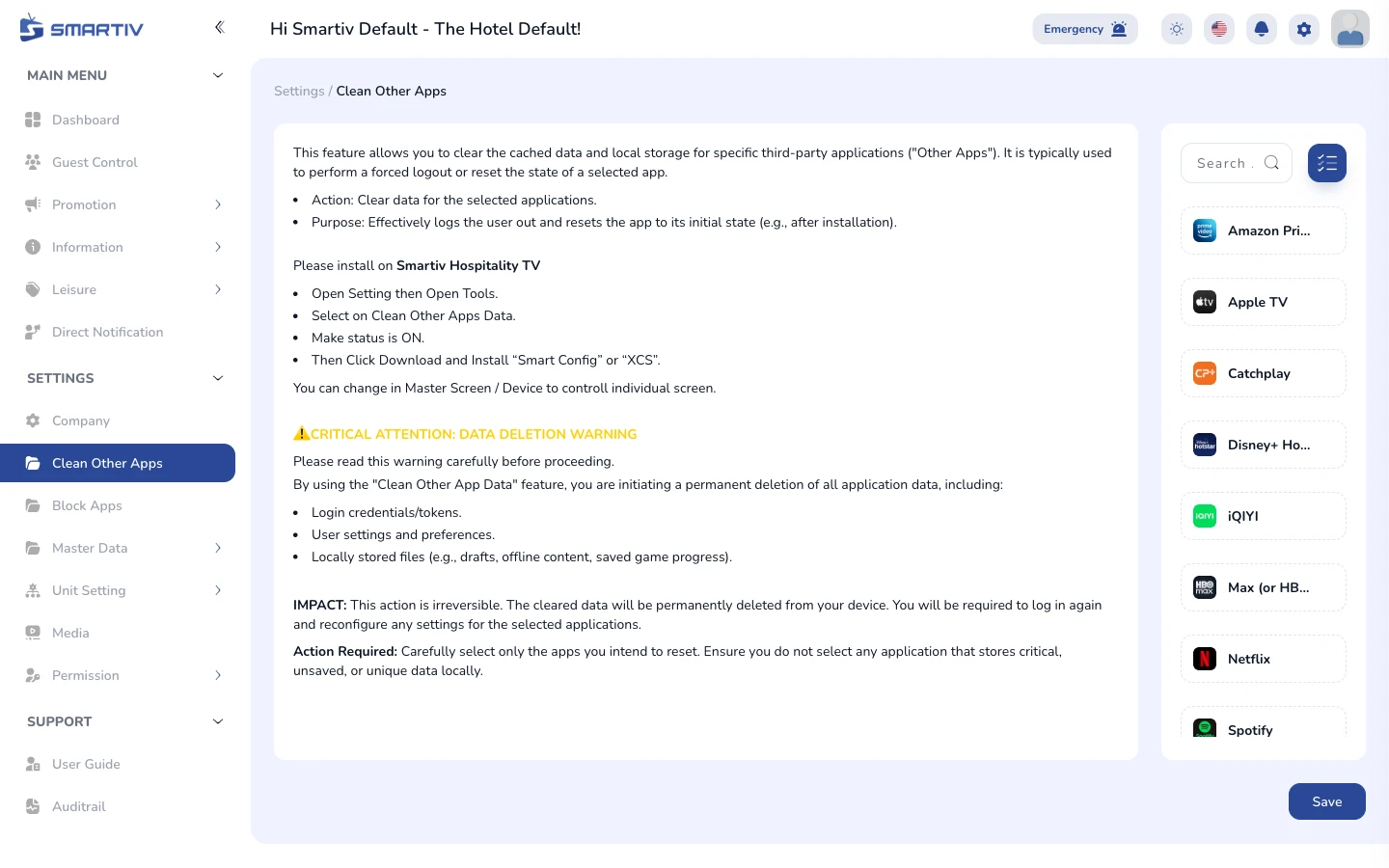
Clean Other Apps
Remove unwanted apps from TV devices remotely
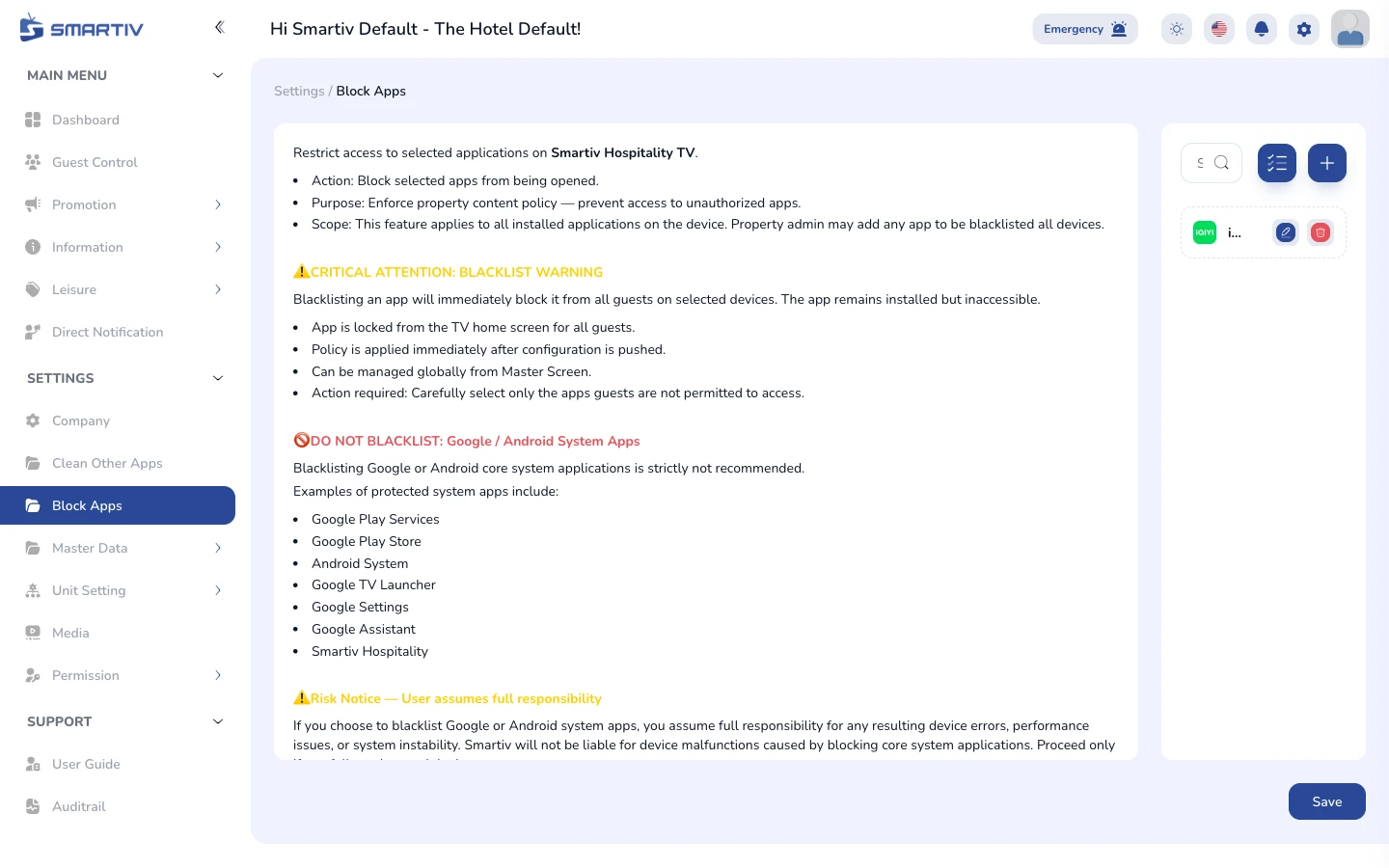
Block Apps
Prevent specific apps from running on TV devices
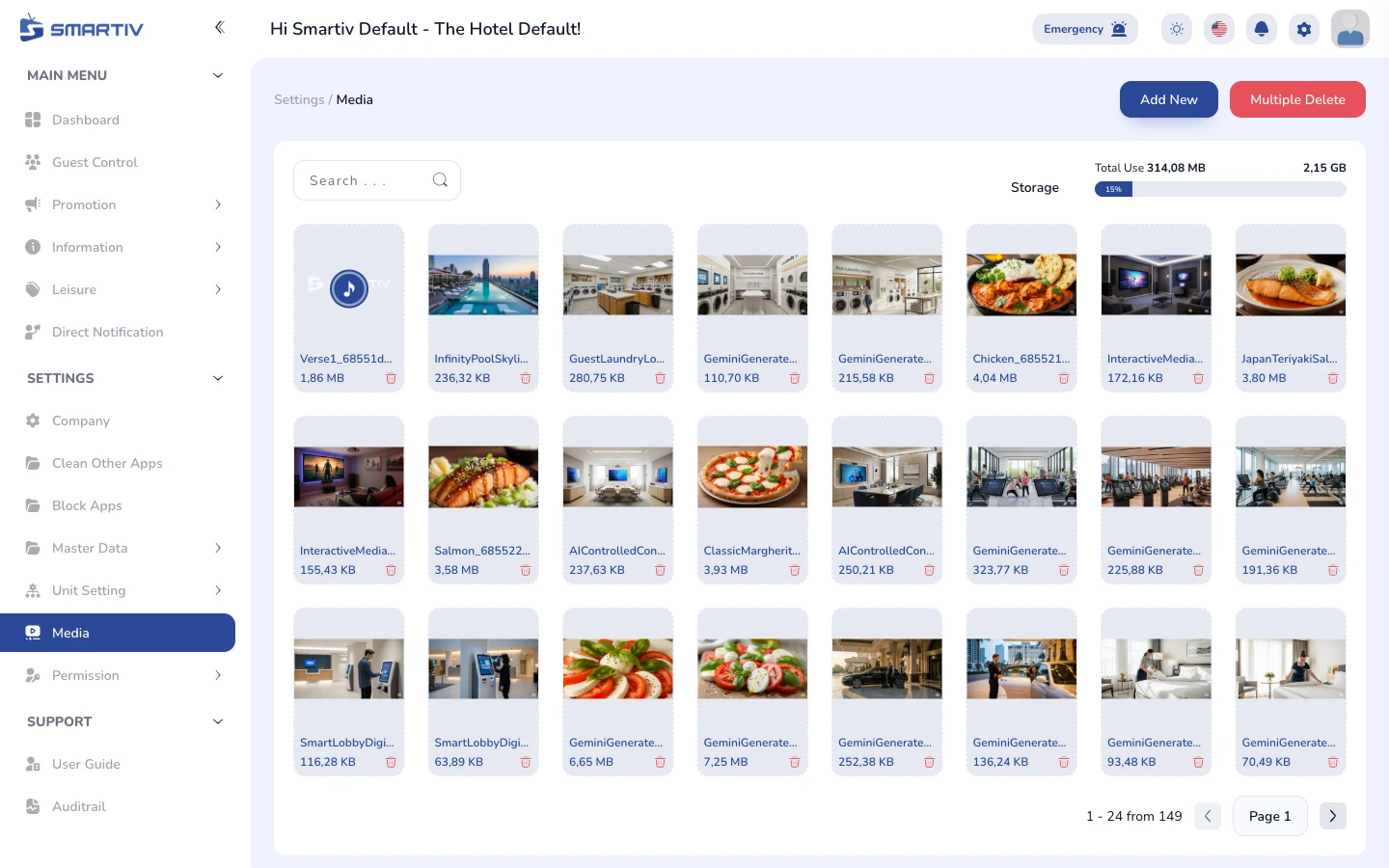
Media
Manage the central media library used across the CMS
Settings - Master Data
4 tutorials
Master Type / Unit
Create and manage room types, areas, and unit classes
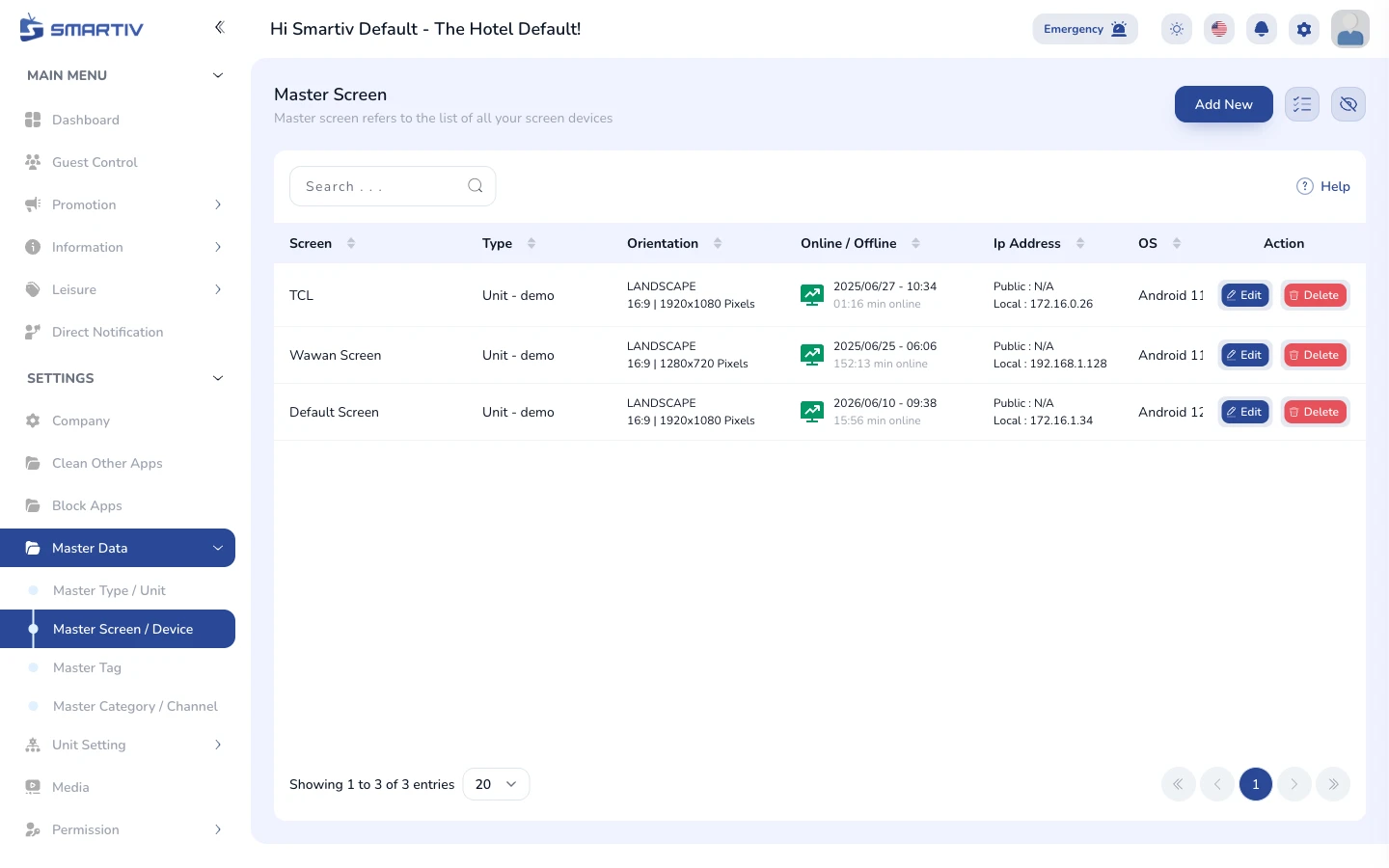
Master Screen / Device
Register and manage TV screen and device profiles

Master Tag
Create and manage system tags for content targeting

Master Category / Channel
Manage content categories and channel groups
Settings - Unit Setting
9 tutorials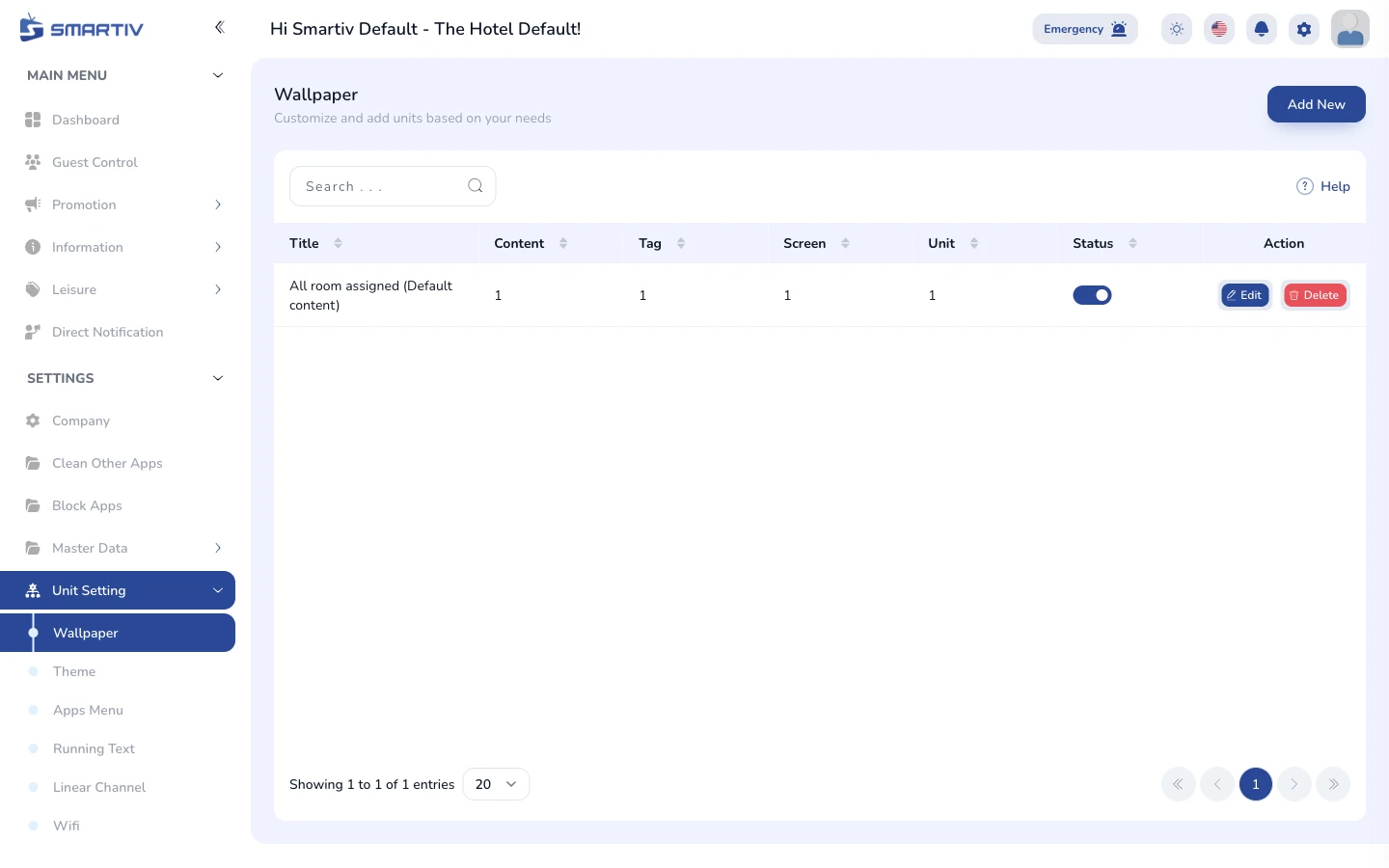
Unit Setting - Wallpaper
Set the background wallpaper displayed on TV screens
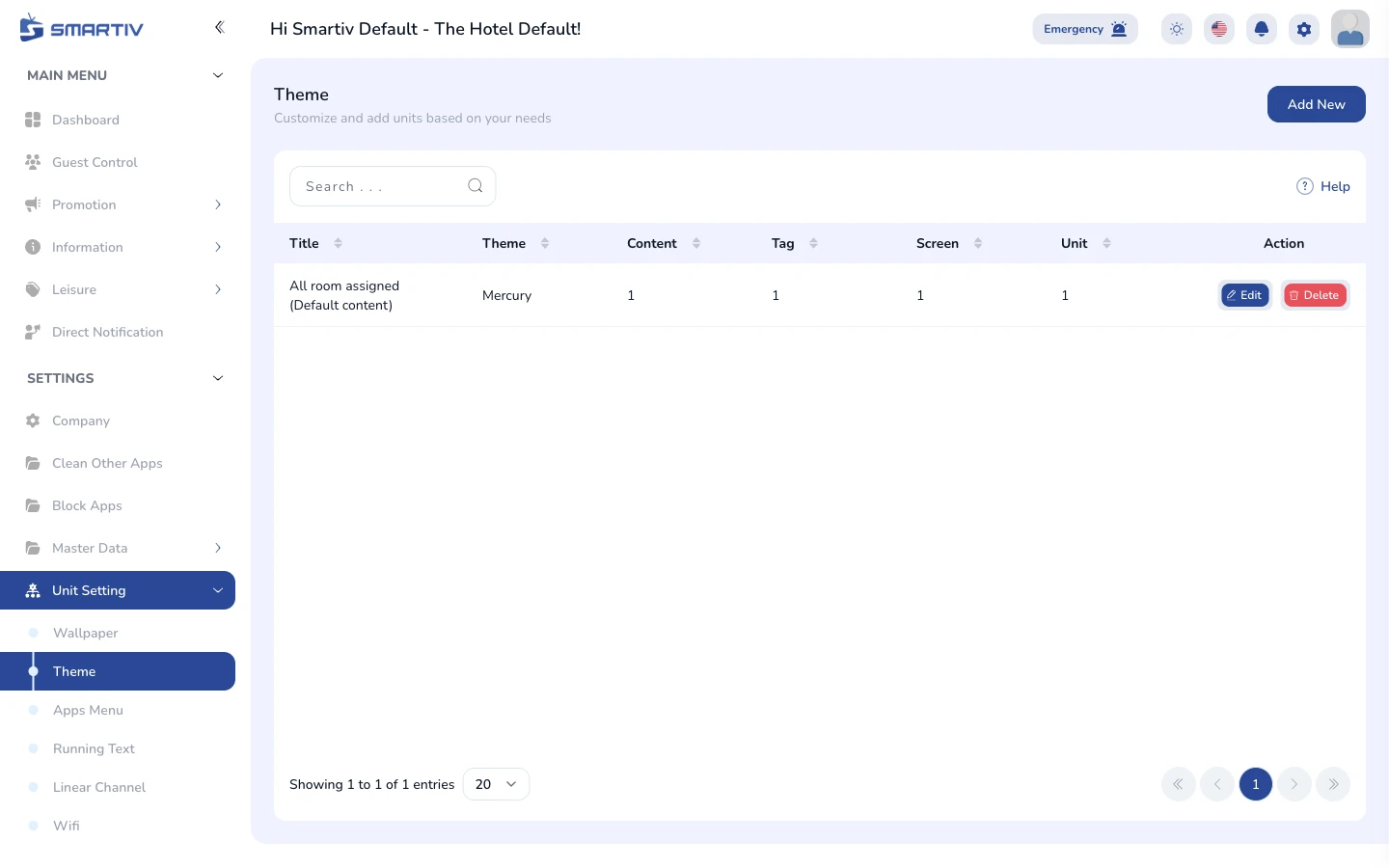
Unit Setting - Theme
Customise the visual theme of the TV interface
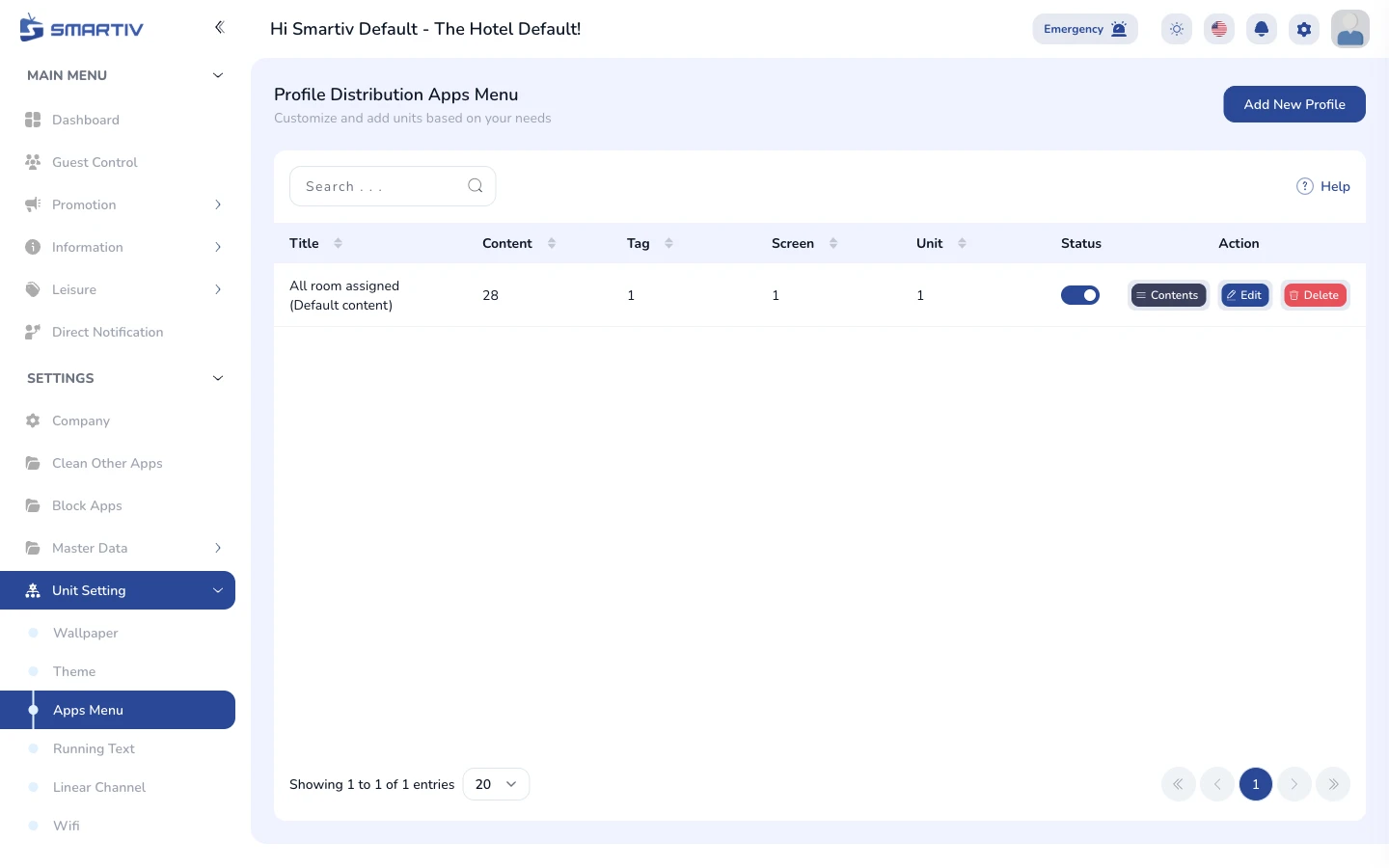
Apps Menu
Choose which apps appear on the TV home screen
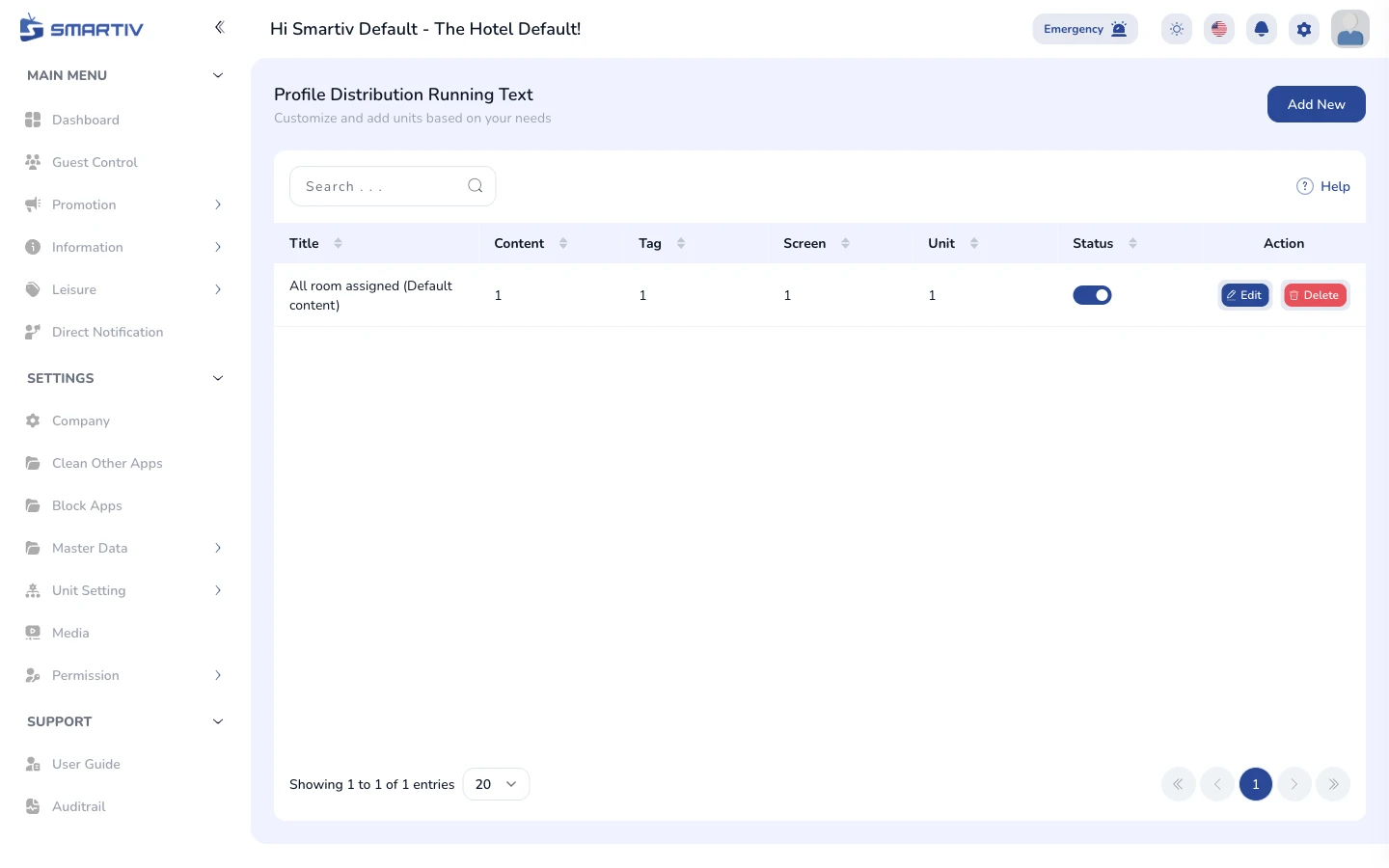
Running Text
Manage the scrolling ticker text shown on the TV
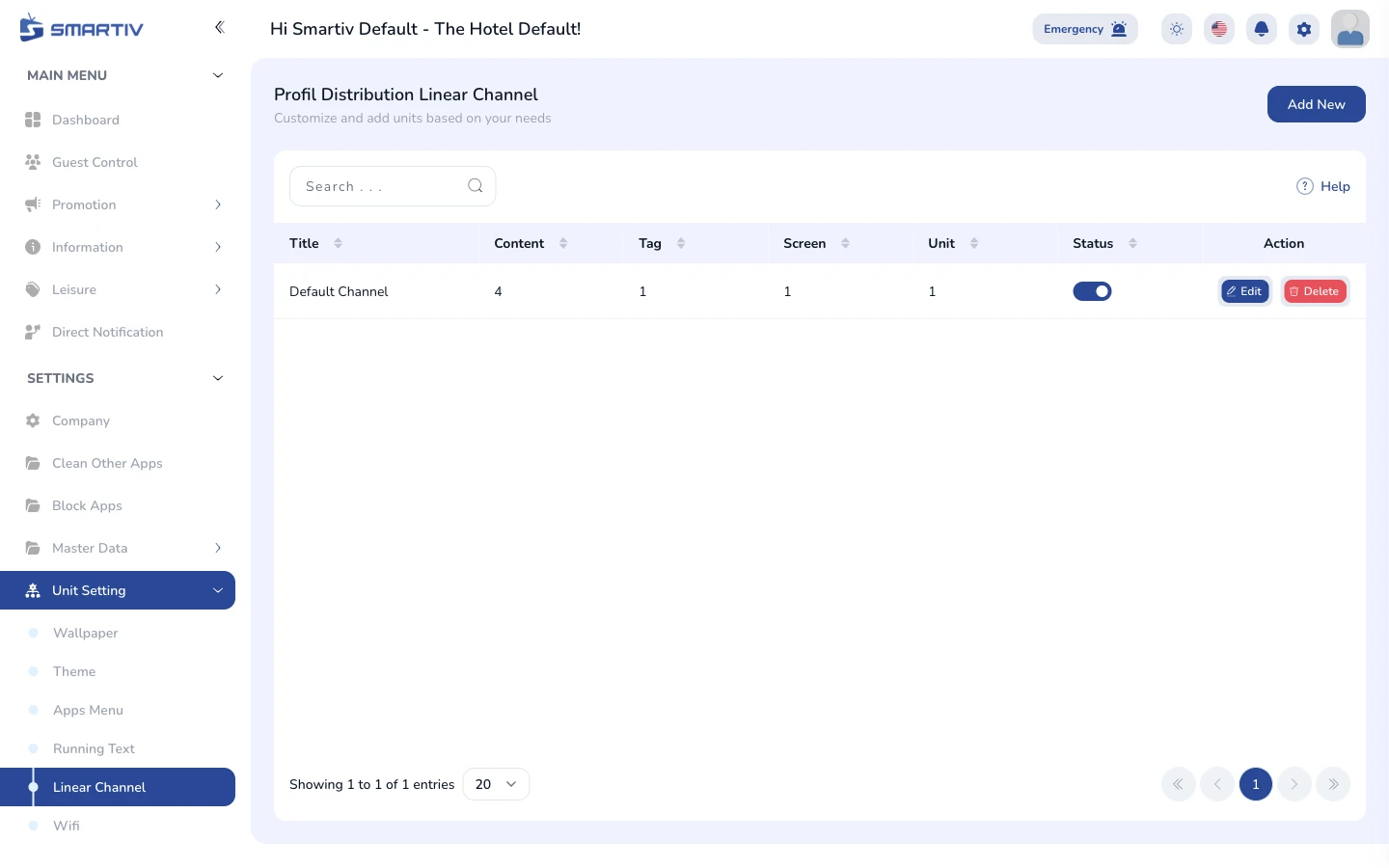
Linear Channel
Manage the TV channel line-up for guest rooms
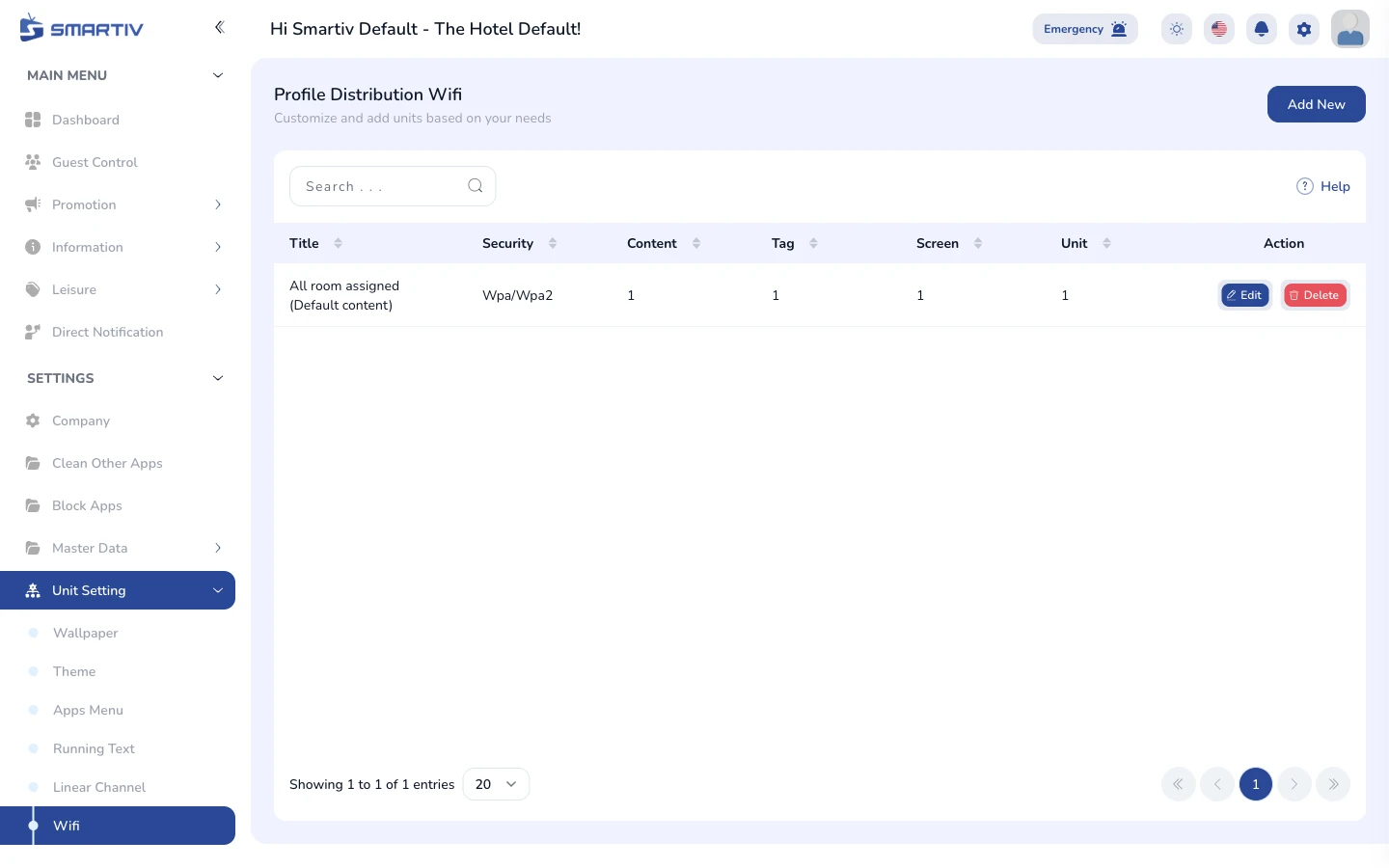
WiFi
Manage the WiFi credentials shown to guests on the TV
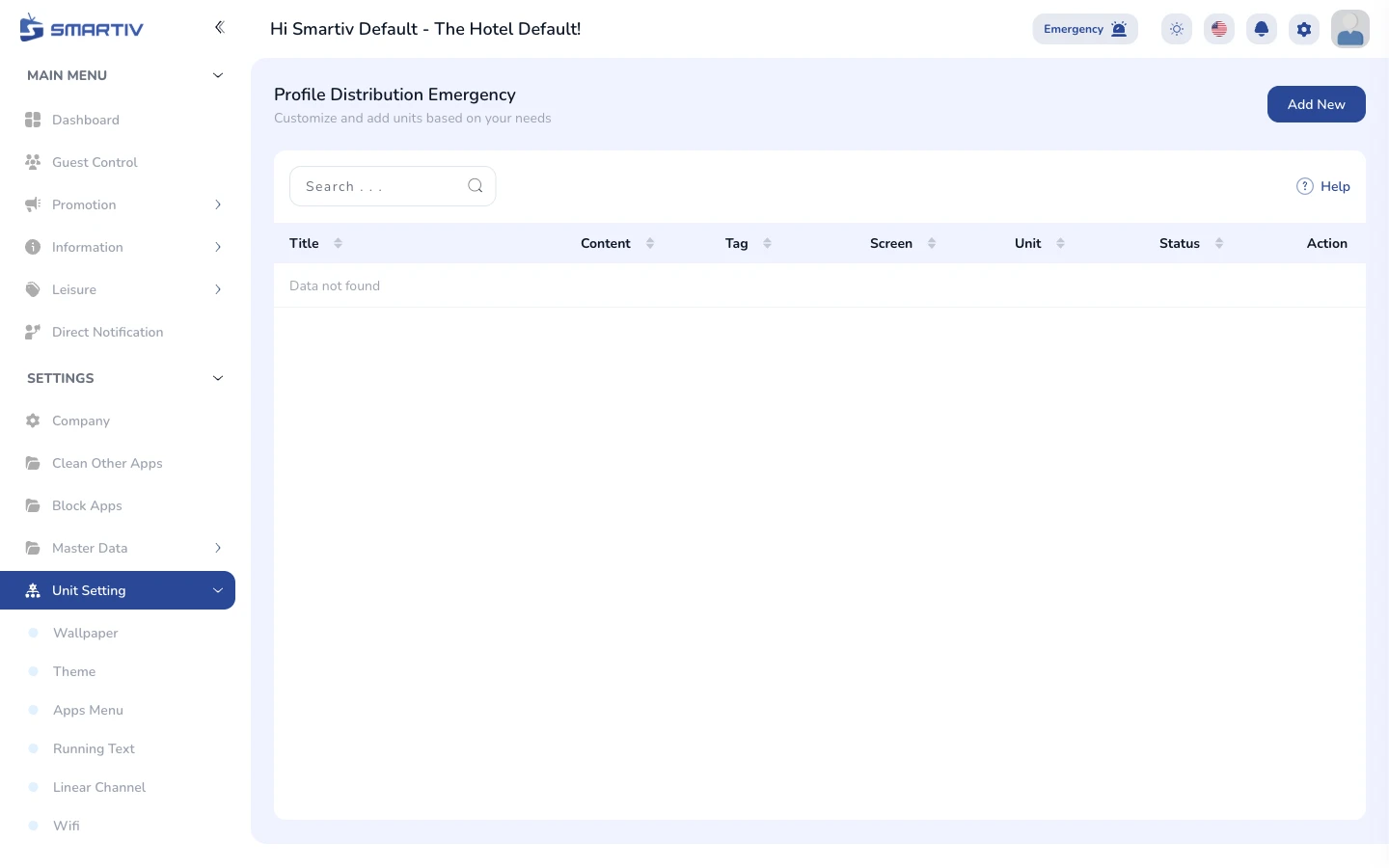
Unit Setting - Emergency
Configure emergency broadcast profiles for TV screens
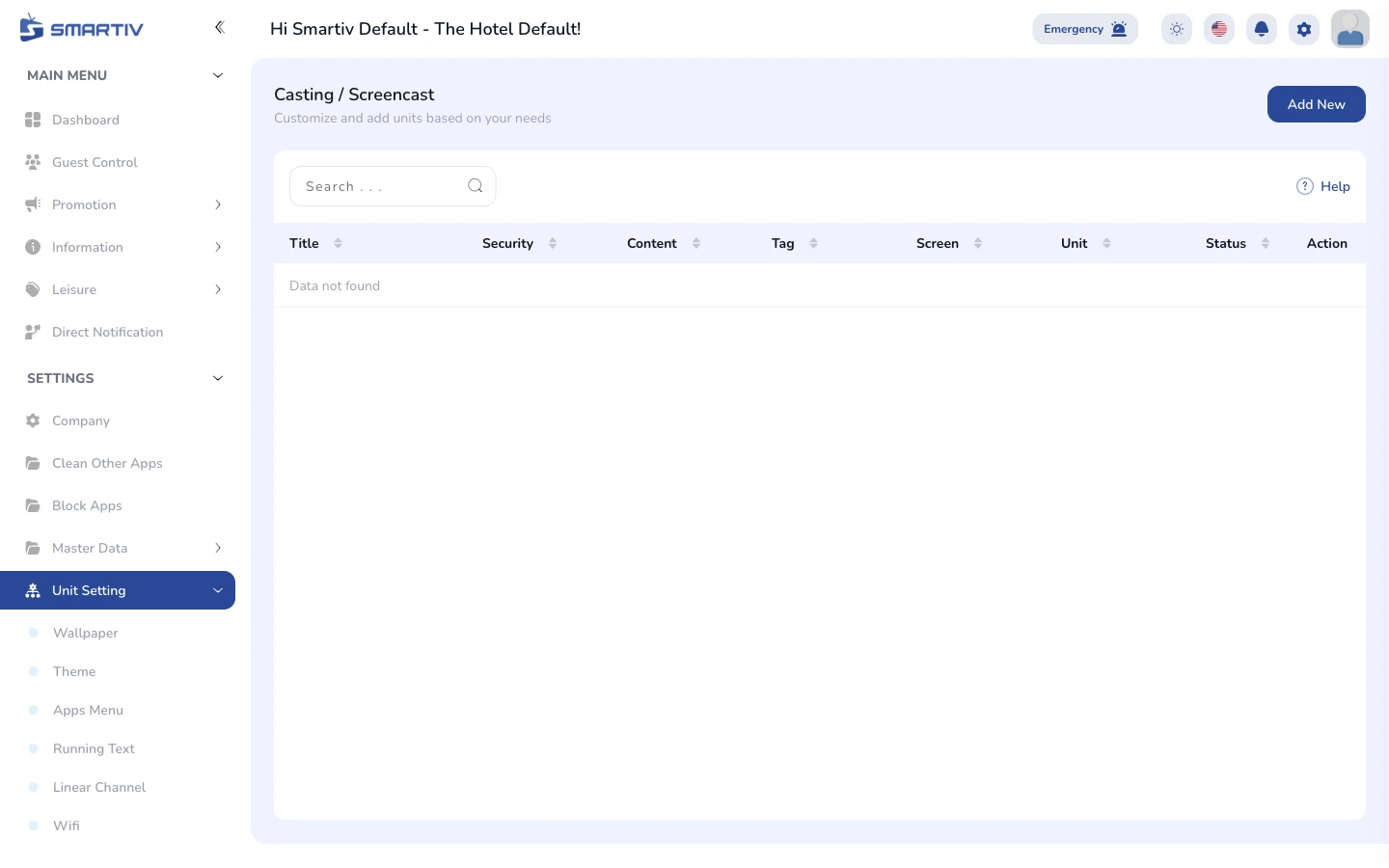
Casting
Configure screen casting for guest devices
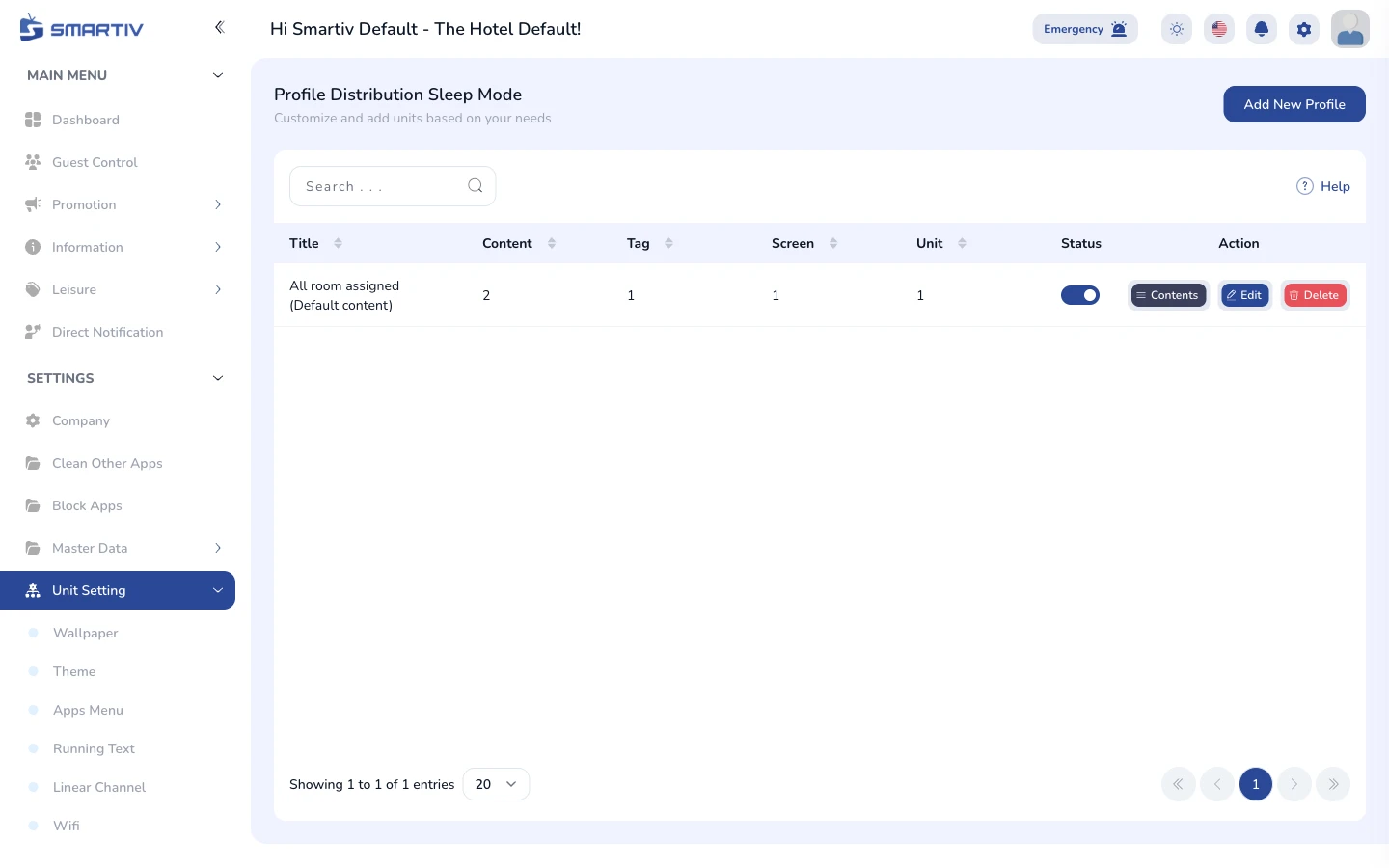
Sleep Mode
Schedule automatic TV sleep times
Settings - Permission
2 tutorials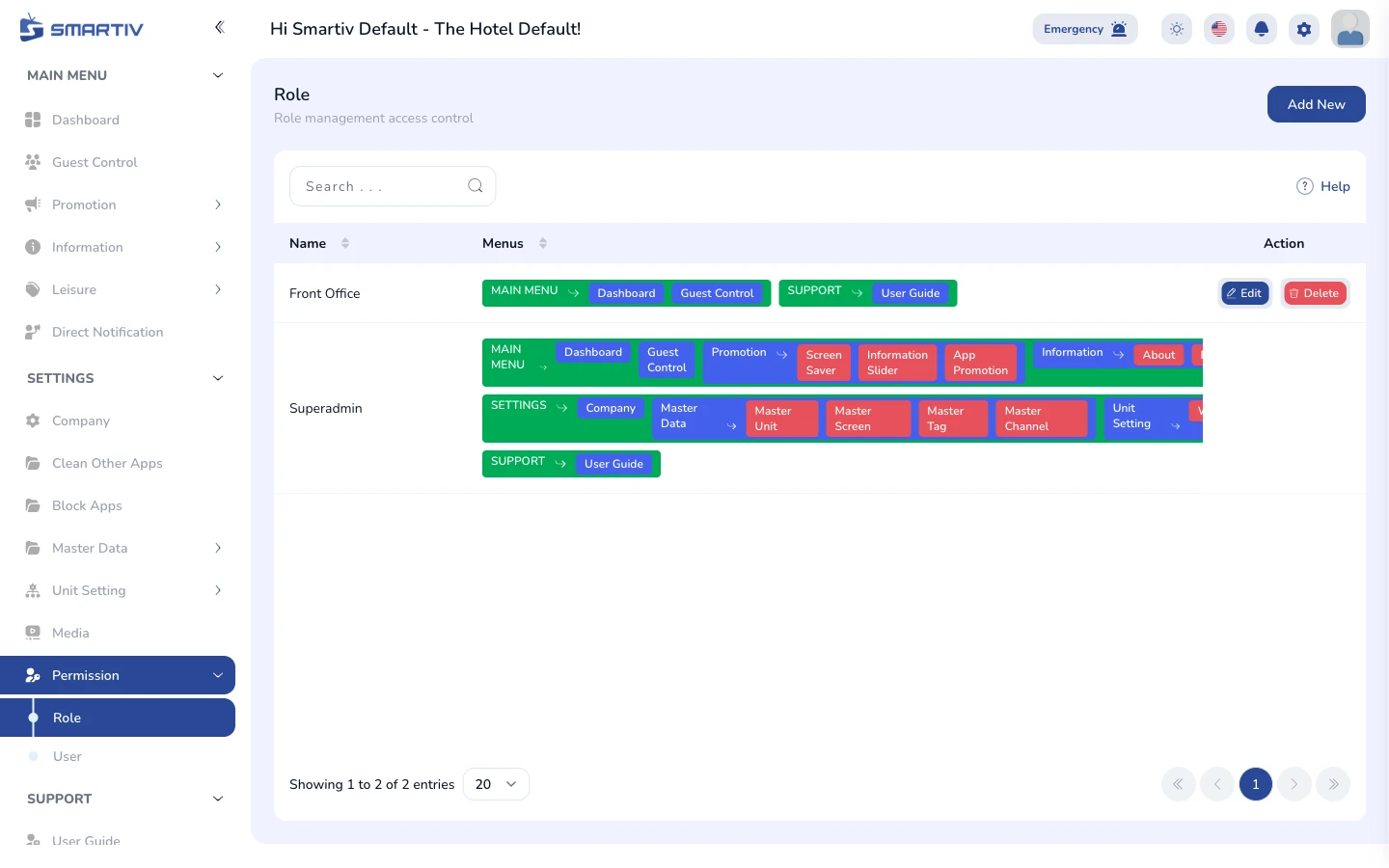
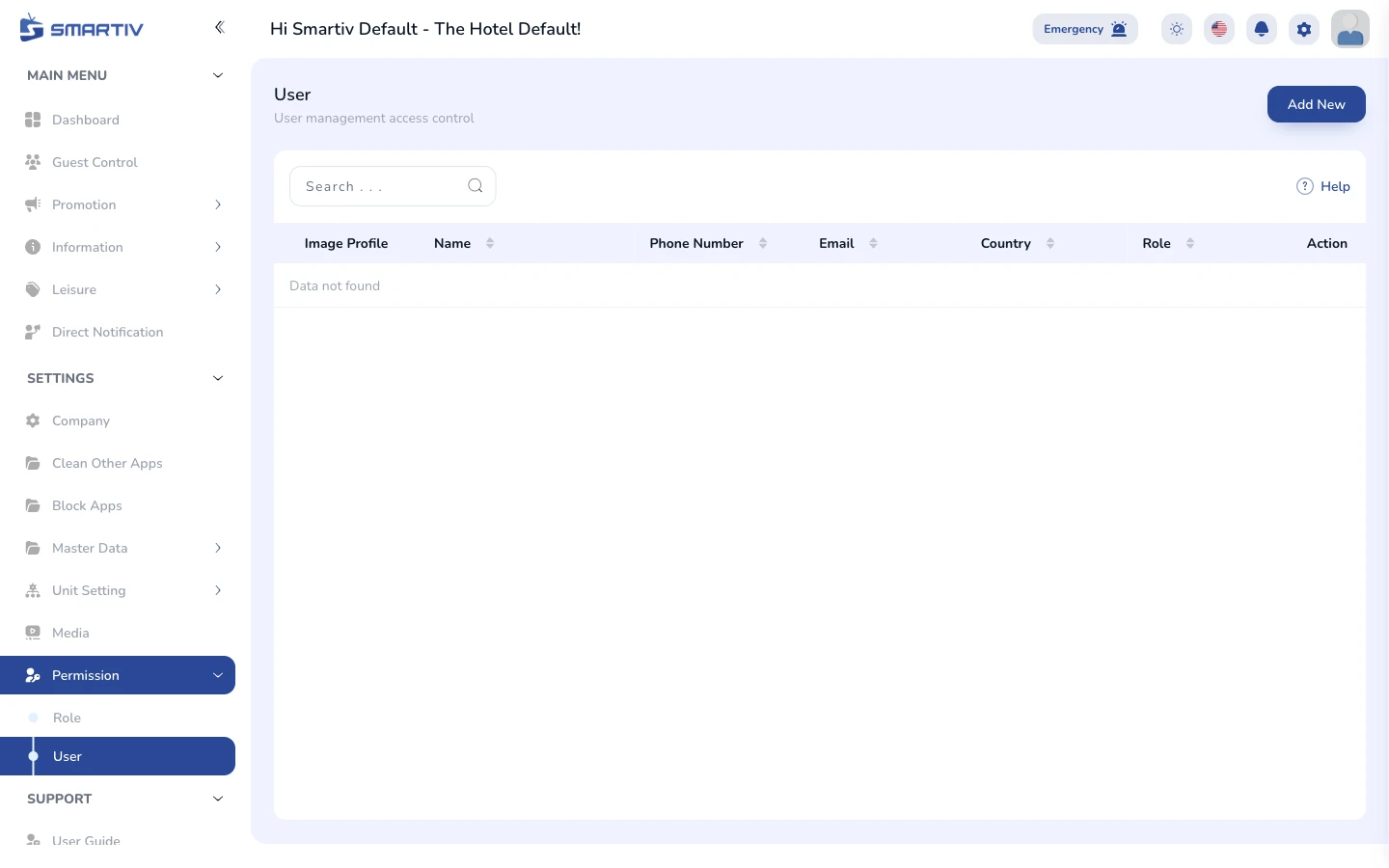
Support
2 tutorials
No tutorials found
Try a different search term or category.