Overview
Manage restaurant information and menus shown on the TV. Follow the steps below to complete this task.
In the left sidebar, expand Information under Main Menu and click Resto. This page manages the property restaurants, their menus, and dining information, shown to guests in the Information section of the TV.
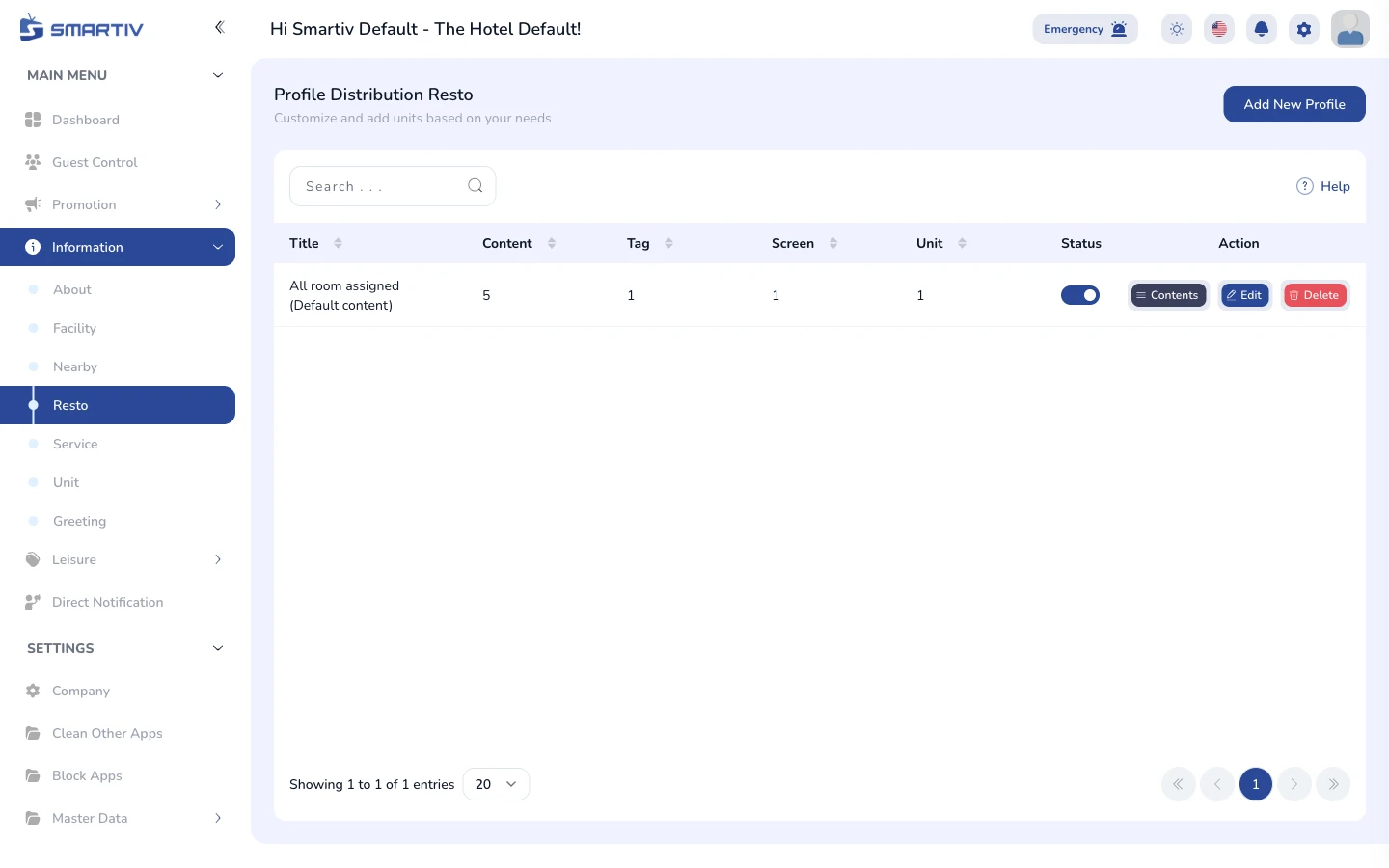
/main-menu/information/restoEach row shows a restaurant entry with its name, preview, and status. The Action column contains the Edit and Delete buttons for each entry.
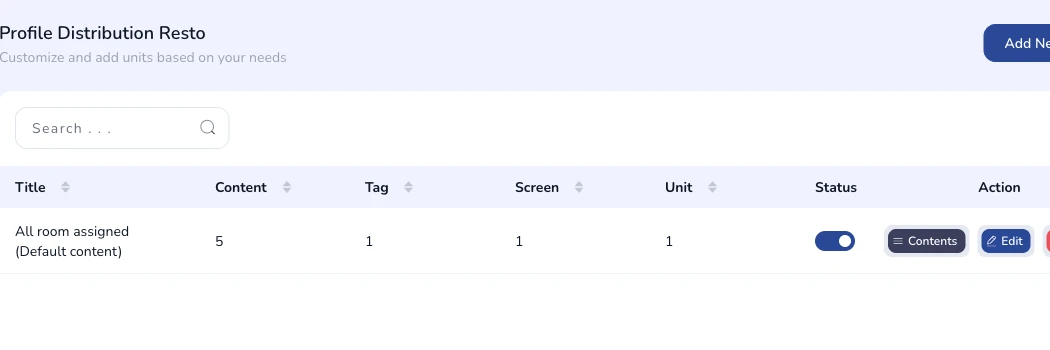
Click the Add New button in the top-right corner of the page. A modal dialog appears with the form fields to fill in.

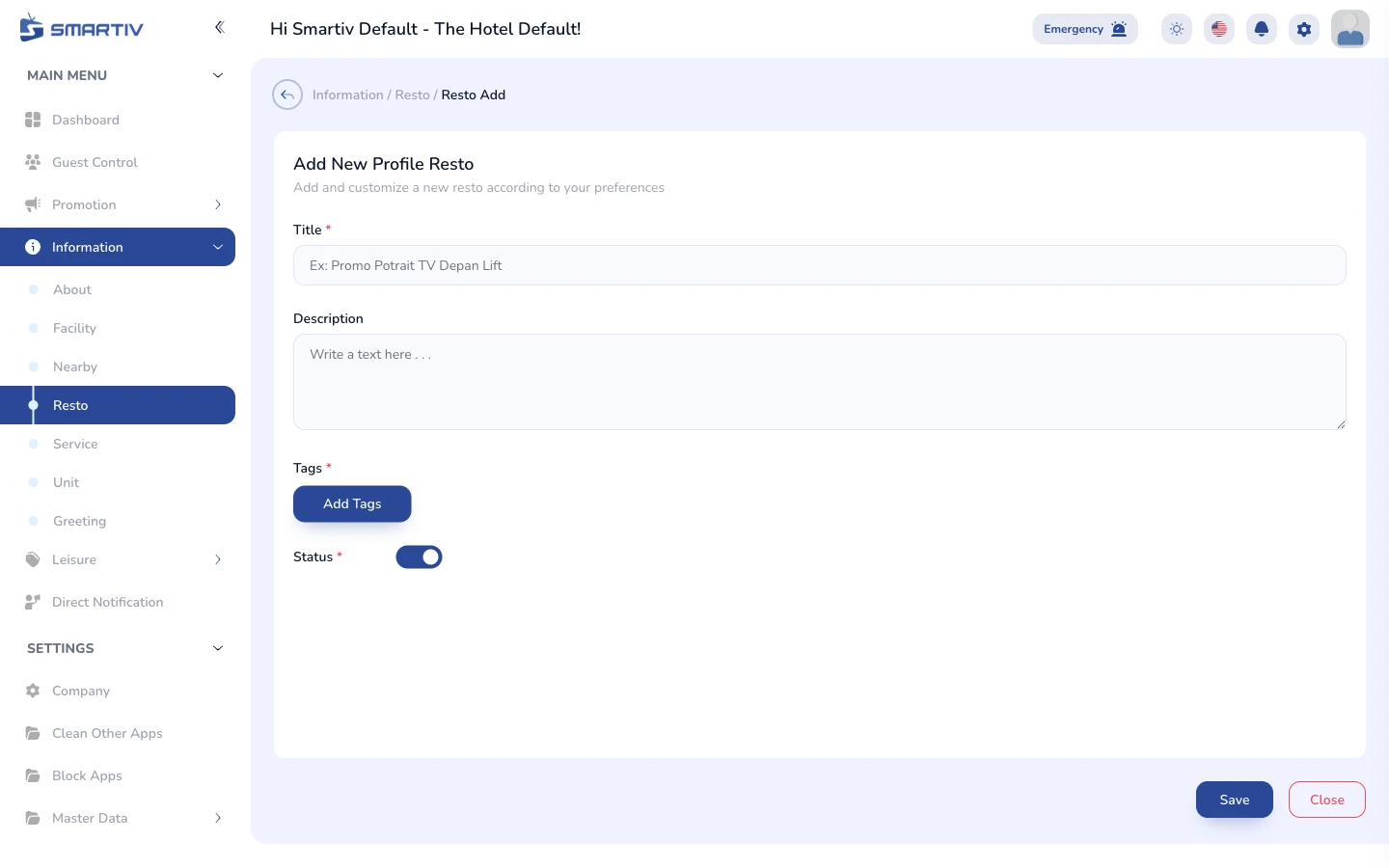
Enter the restaurant name, description or menu highlights, opening hours, and upload a photo. Click Save to store the new restaurant entry. It appears in the list immediately and is pushed to the in-room TVs automatically.