Overview
Prevent specific apps from running on TV devices. Follow the steps below to complete this task.
📂 Settings
Intermediate
⏱ 2 min
📋 2 steps
Navigate to Block Apps
Open from sidebar
Go to Settings › Block Apps. Blocked apps are prevented from launching on guest TV screens.
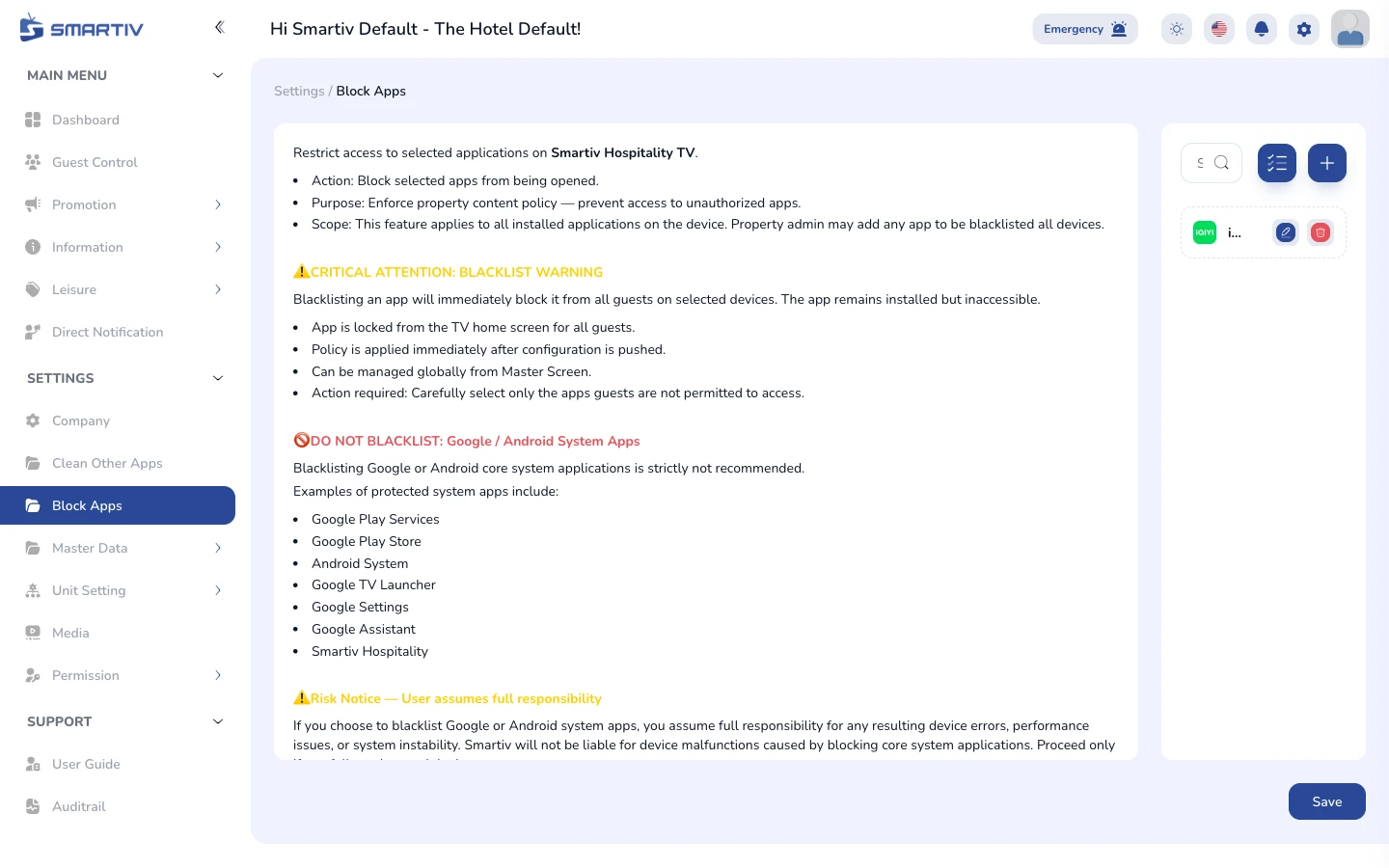
Block Apps page with app blocklist management.
Block an Application
Add an app to the blocklist
Click Add New and enter the app package name (e.g. com.example.app). Once added, the app will be blocked on all assigned devices.
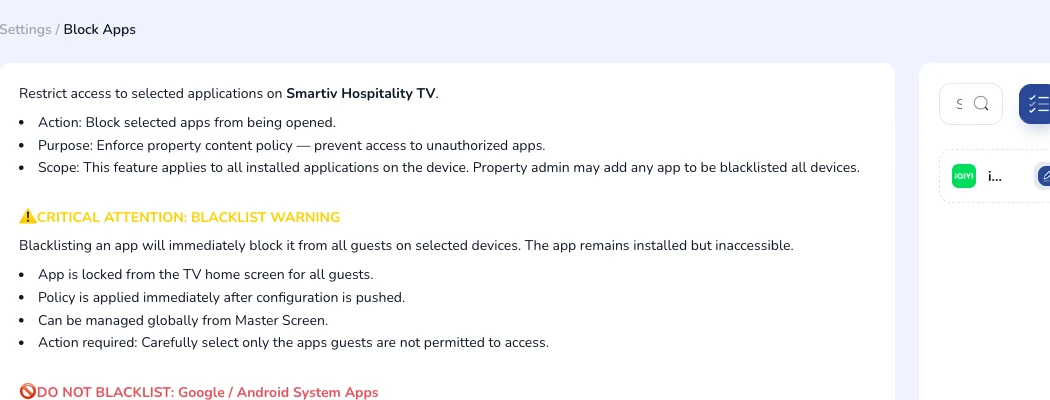
Blocklist table with package names and action buttons.
TipYou can get an app package name from the device app info screen or the Play Store URL.