Overview
Customise the visual theme of the TV interface. Follow the steps below to complete this task.
📂 Settings - Unit Setting
Intermediate
⏱ 3 min
📋 3 steps
Navigate to Theme
Open from sidebar
Go to Settings › Unit Setting › Theme. Themes control the colour scheme and visual appearance of the TV guest interface.
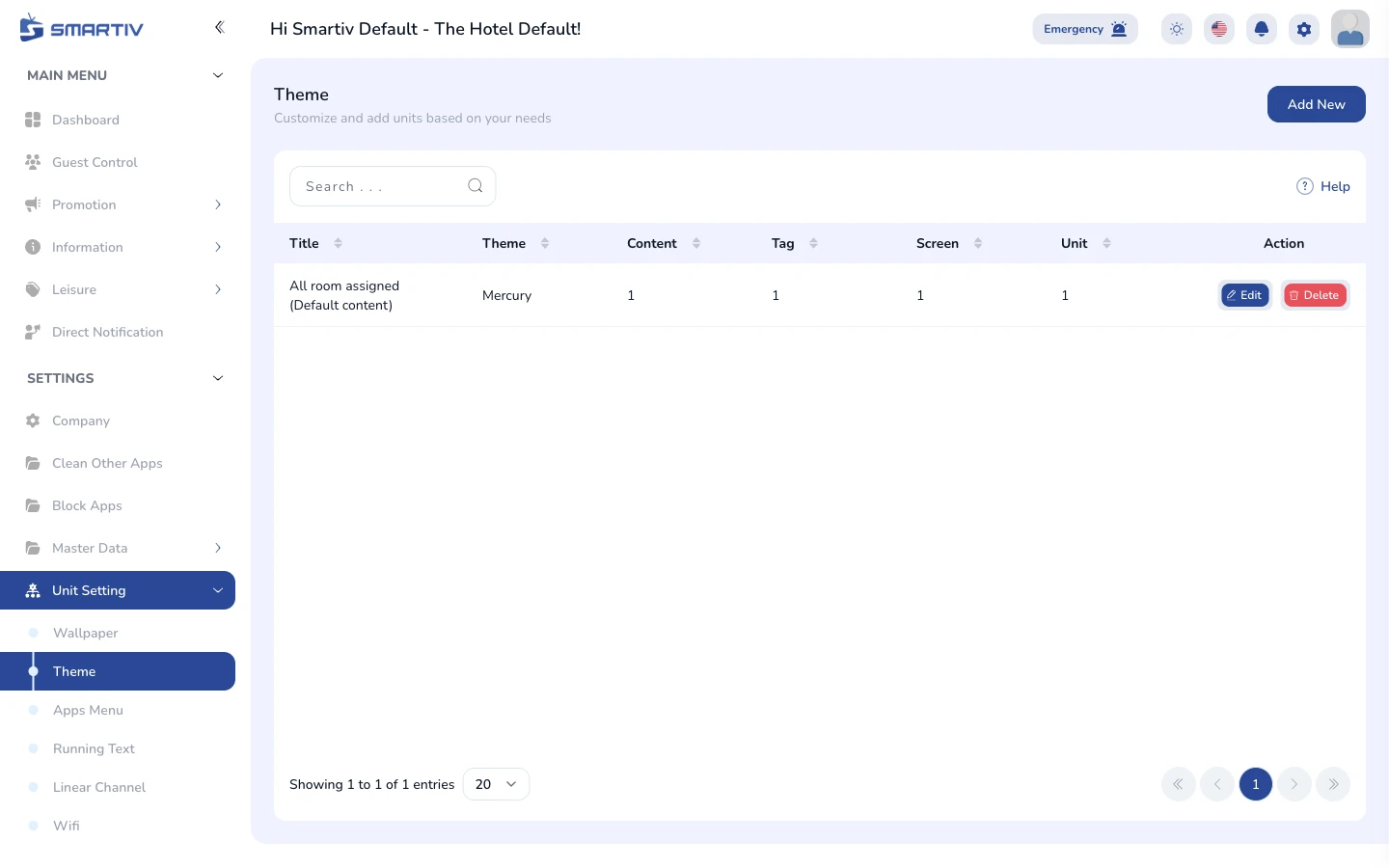
Theme management page.
Select or Create a Theme
Apply a theme profile
Choose an existing theme from the list or click Add New to create a custom theme. Each theme can be assigned to specific unit types.

Theme list with Add New button.
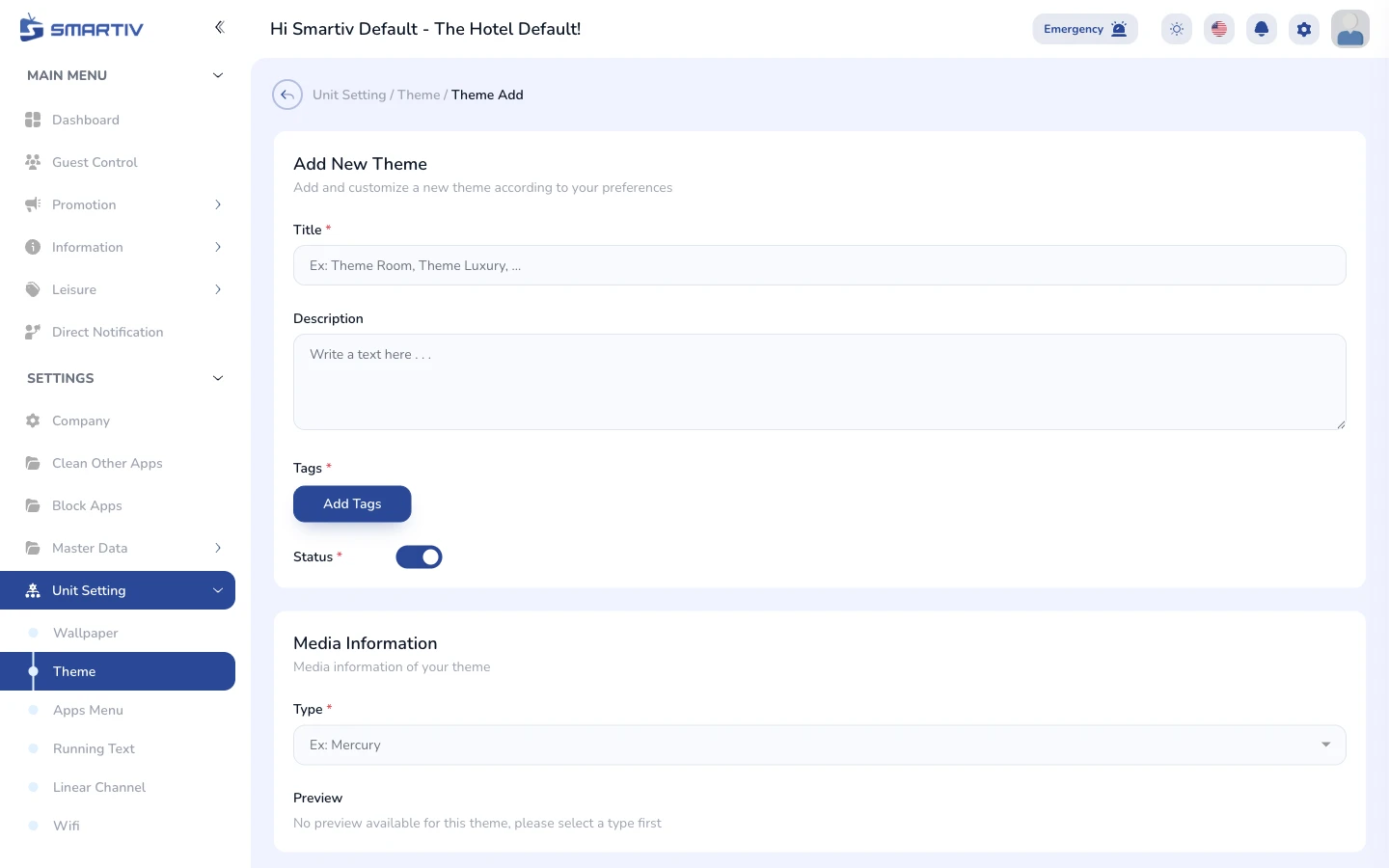
New theme creation form.
NoteTheme changes affect the guest TV interface appearance immediately after saving.
Save and Apply Theme
Distribute to TV units
Click Save. The selected theme is pushed to all assigned units immediately.
Theme form filled and ready to save.