Overview
Track all CMS activity and user actions. Follow the steps below to complete this task.
📂 Support
Beginner
⏱ 2 min
📋 2 steps
Navigate to Auditrail
Open from sidebar
Go to Support › Auditrail. This page provides a full activity log of all actions performed in the CMS, including who made changes and when.
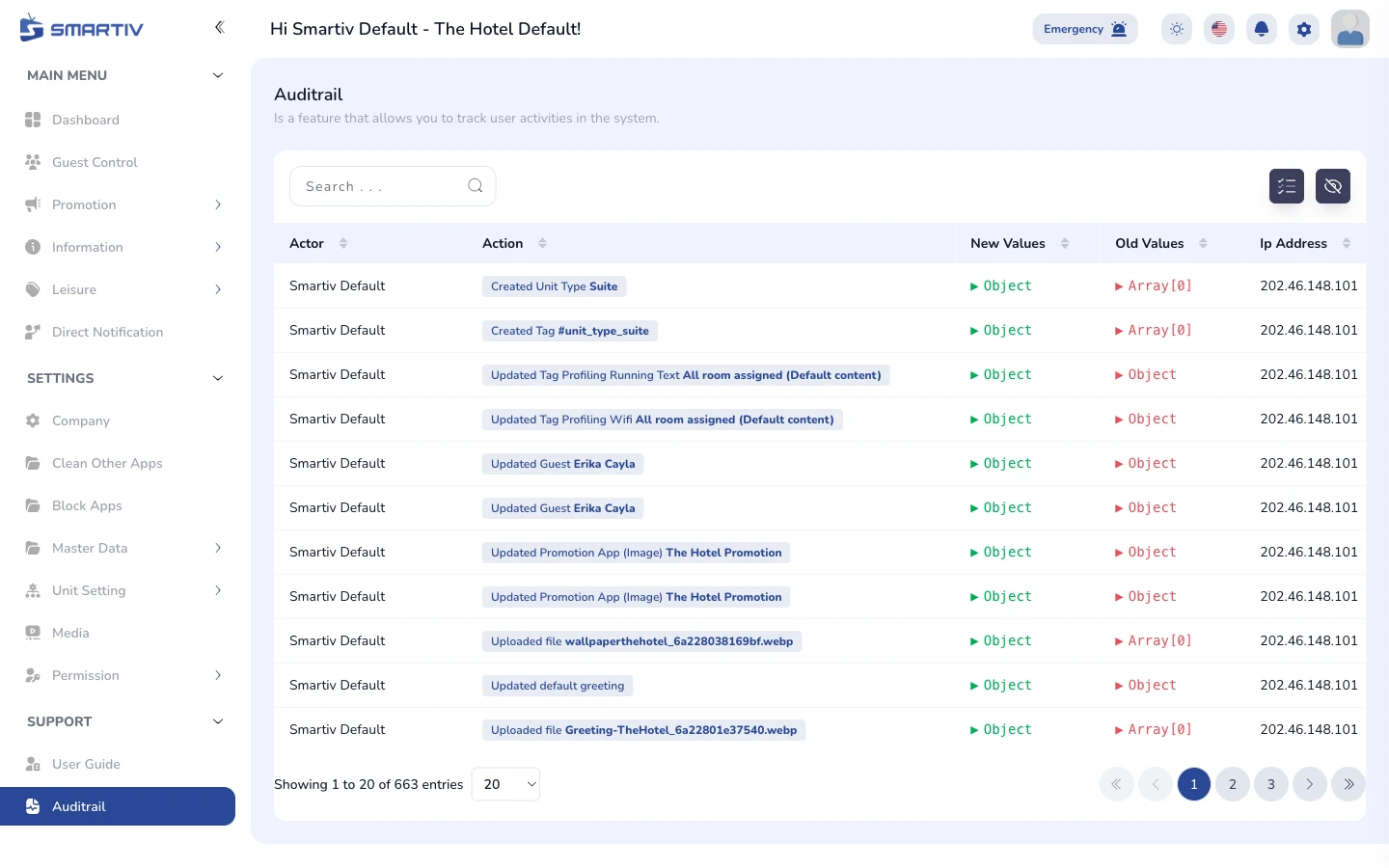
Auditrail page showing a chronological log of CMS activity.
Filter and Search Logs
Find specific activity
Use the date range filter and search bar to narrow down the logs. You can filter by user, action type, or date range.
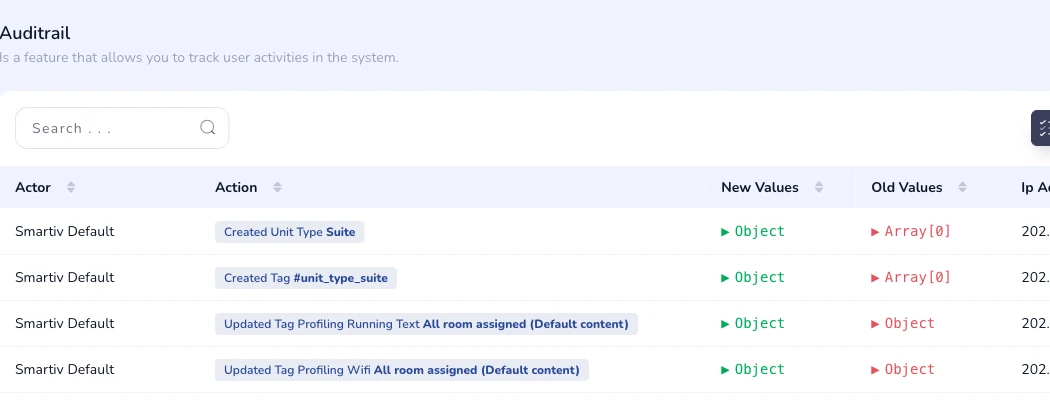
Activity log table with user, action, module, and timestamp.

Filter bar with date range picker and search input.
TipCheck the Auditrail regularly to monitor for unexpected changes or unauthorised actions.