Overview
Choose which apps appear on the TV home screen. Follow the steps below to complete this task.
📂 Settings - Unit Setting
Beginner
⏱ 2 min
📋 4 steps
Navigate to Apps Menu
Open the page from the sidebar
In the left sidebar, expand Settings then Unit Setting and click Apps Menu. It controls which applications are visible to guests on the TV launcher.
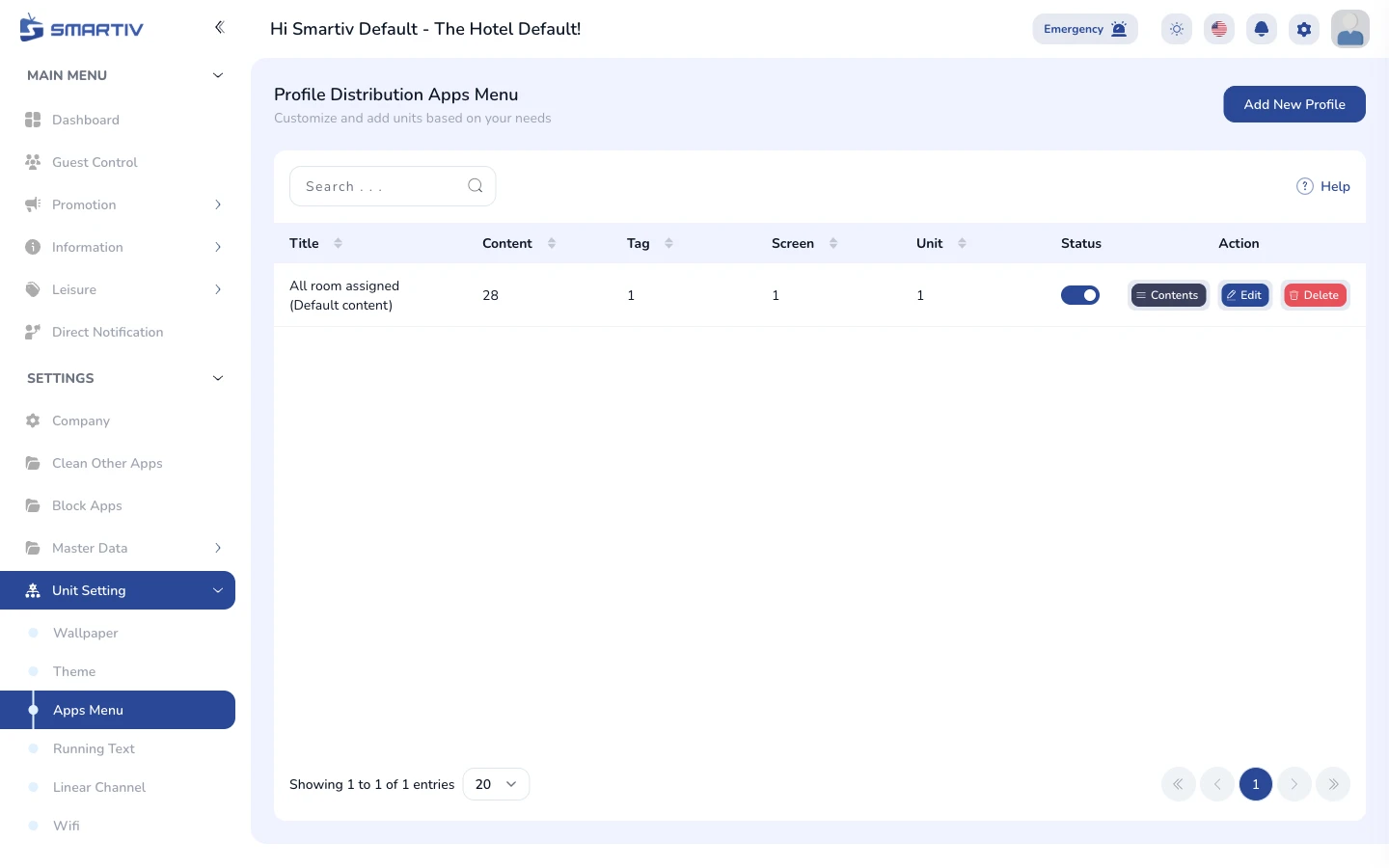
The Apps Menu page under Settings › Unit Setting.
NoteDirect URL:
/settings/unit-setting/apps-menuReview the Current Configuration
See what is applied to the TVs
The page shows the list of apps currently enabled on the TV home screen for each unit type.
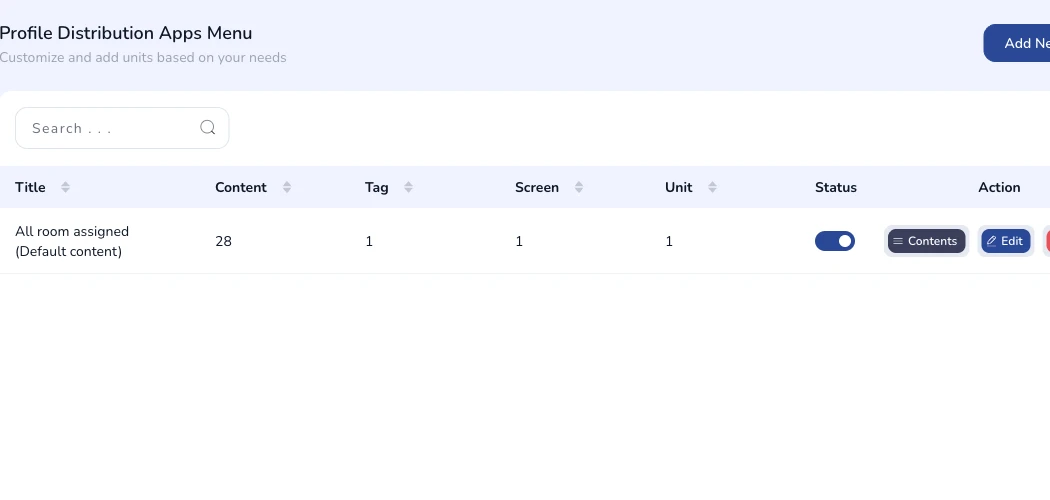
Current apps menu configuration shown on the page.
Add a New Configuration
Open the creation form
Click the Add New button in the top-right corner. A modal dialog appears with the configuration fields.

The "Add New" button in the top-right corner.
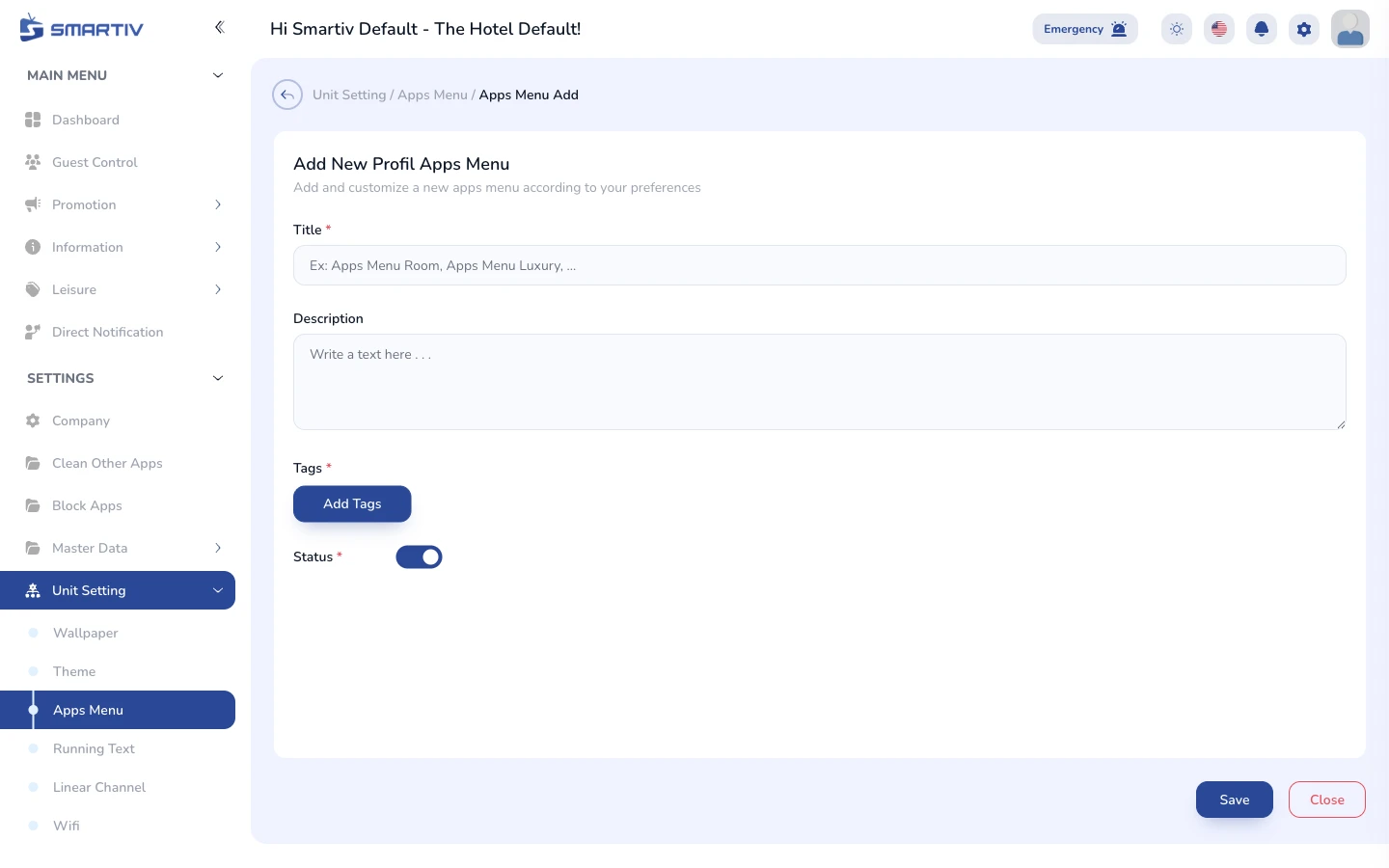
The empty configuration form modal.
Fill In the Form and Save
Complete the fields and submit
Select the apps to display and the unit type they apply to. Click Save to apply. Changes are pushed to the assigned unit TVs automatically.
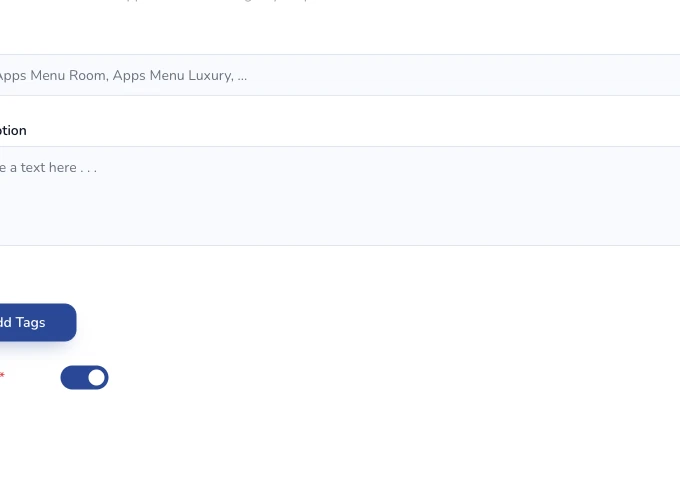
Close-up of the configuration form fields.
ImportantHiding an app here removes it from the guest launcher but does not uninstall it from the device.