Overview
Monitor and manage in-room guest information per unit. Follow the steps below to complete this task.
📂 Main Menu
Beginner
⏱ 2 min
📋 2 steps
Navigate to Guest Control
Open the page from the sidebar
In the left sidebar, click Guest Control under Main Menu. The page lists every unit with its current guest information and TV status.
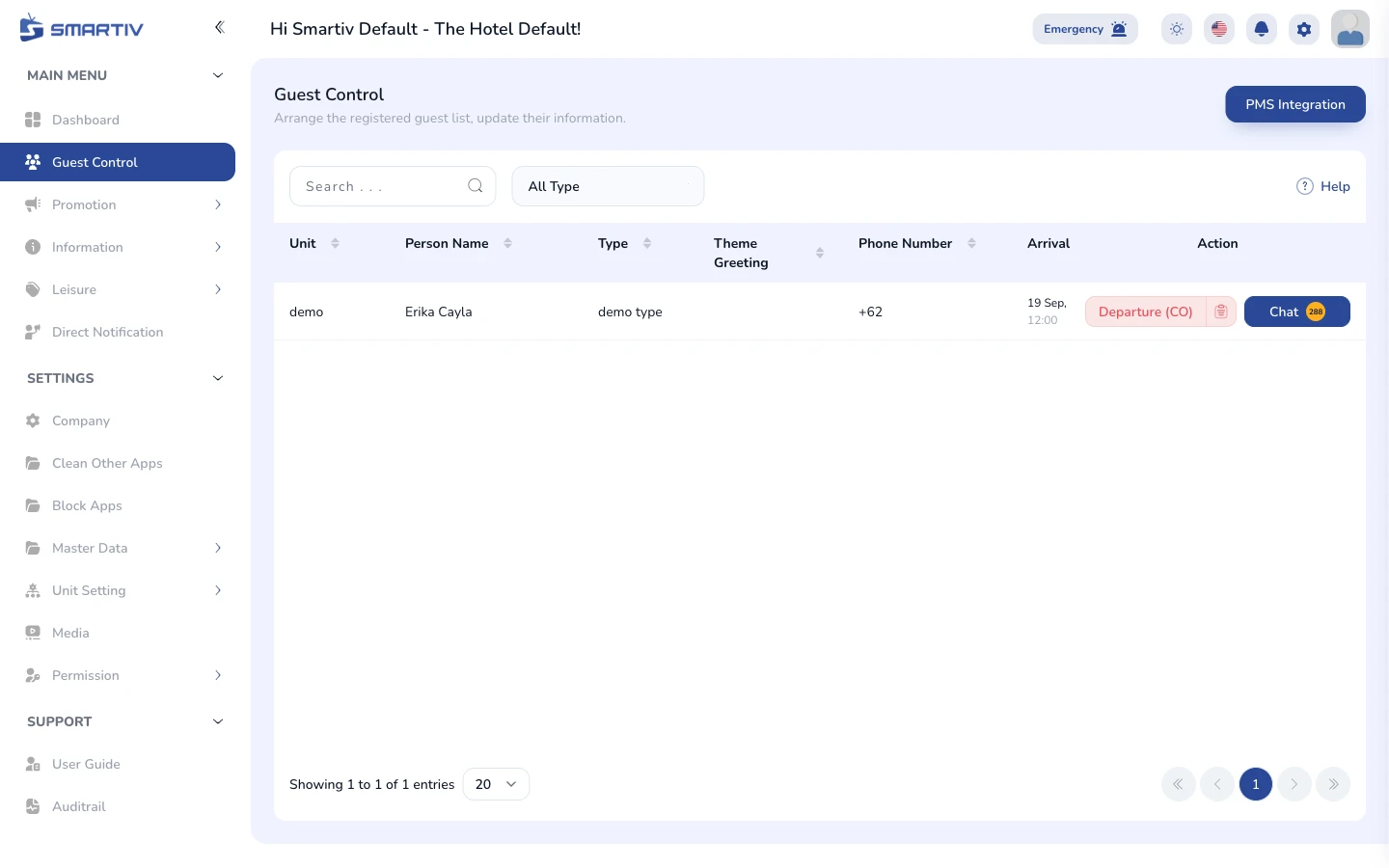
The Guest Control page listing all units and their guest status.
NoteDirect URL:
/main-menu/guest-controlRead the Unit Table
Understand guest and device status per unit
Each row shows a unit with its guest details and device state. Use this page to verify the right guest name is shown on the in-room TV and to spot units whose devices are offline.
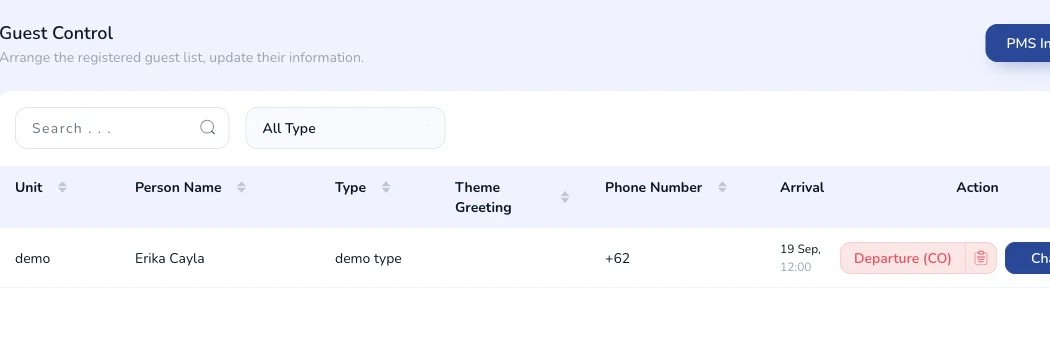
Unit table with guest information and device status columns.
TipUse the Search bar to jump straight to a specific room or unit number.
ImportantGuest data usually syncs from your PMS. Manual changes here can be overwritten by the next sync.