Overview
Manage the TV channel line-up for guest rooms. Follow the steps below to complete this task.
📂 Settings - Unit Setting
Beginner
⏱ 2 min
📋 4 steps
Navigate to Linear Channel
Open the page from the sidebar
In the left sidebar, expand Settings then Unit Setting and click Linear Channel. It manages the linear TV channel line-up available in guest rooms.
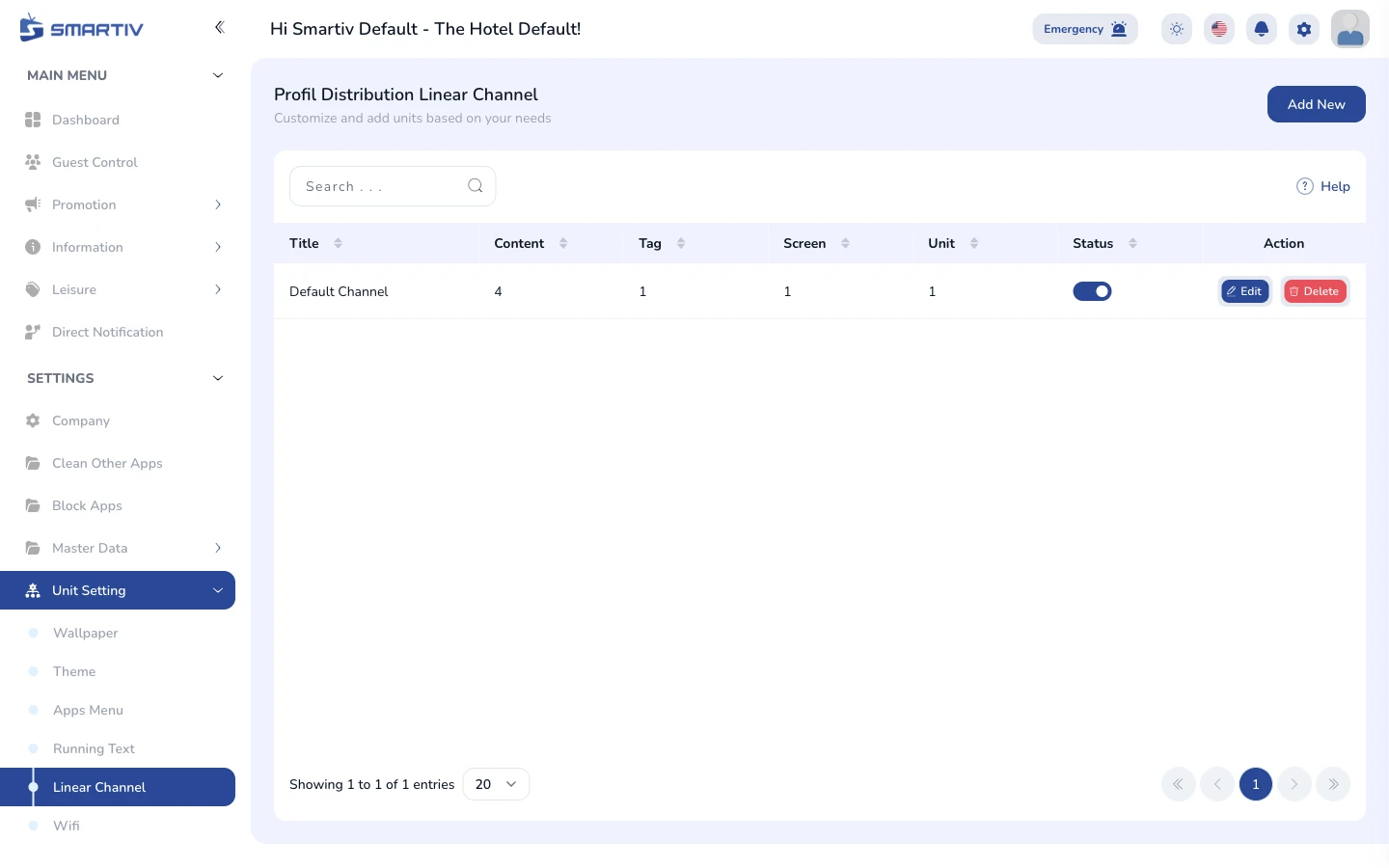
The Linear Channel page under Settings › Unit Setting.
NoteDirect URL:
/settings/unit-setting/linear-channelReview the Current Configuration
See what is applied to the TVs
The page lists the configured channels with their number, name, and source.
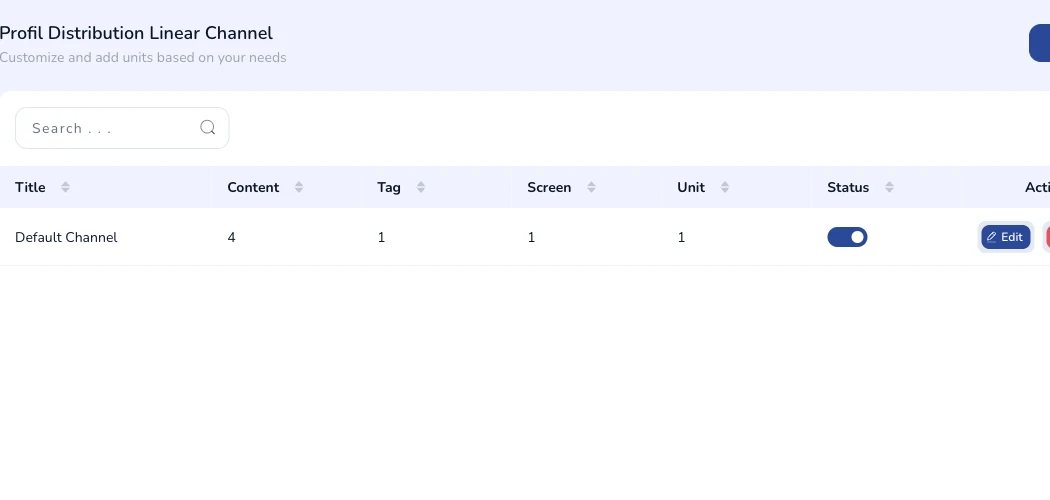
Current linear channel configuration shown on the page.
Add a New Configuration
Open the creation form
Click the Add New button in the top-right corner. A modal dialog appears with the configuration fields.

The "Add New" button in the top-right corner.
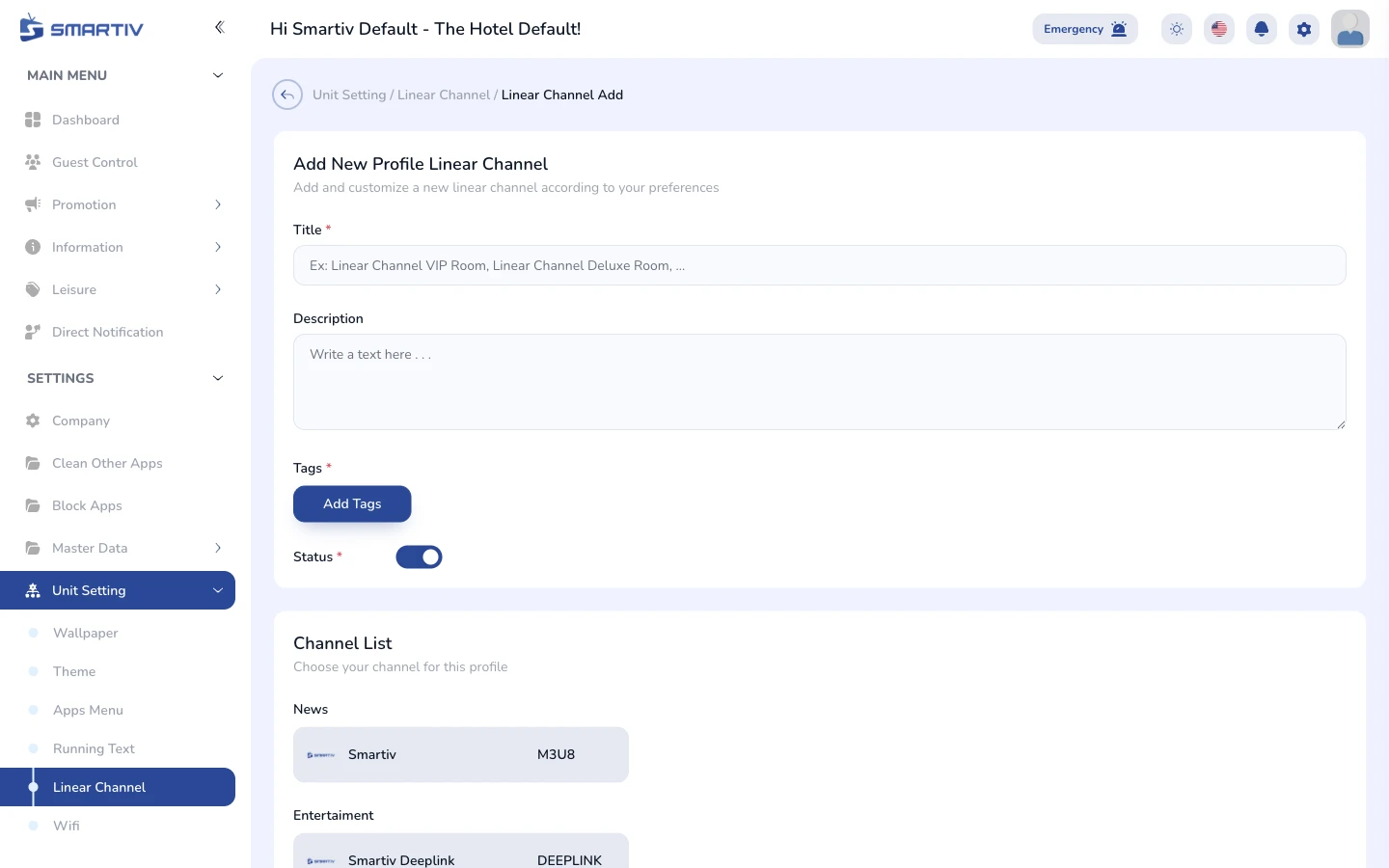
The empty configuration form modal.
Fill In the Form and Save
Complete the fields and submit
Enter the channel name, channel number, and the stream source, then assign it to the relevant unit types. Click Save to apply. Changes are pushed to the assigned unit TVs automatically.
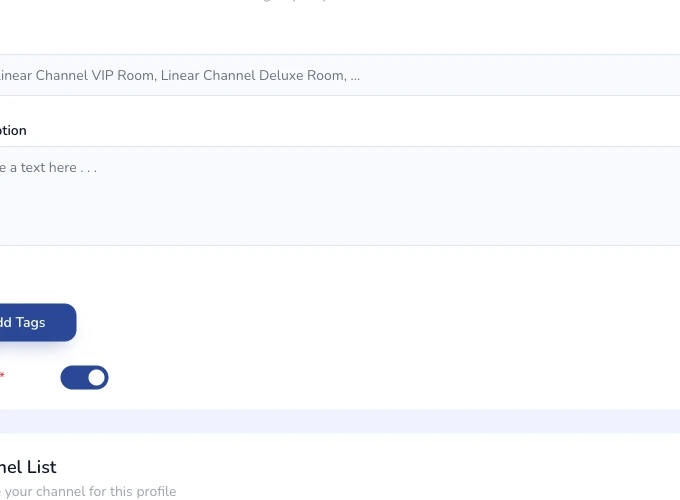
Close-up of the configuration form fields.