Overview
Remove unwanted apps from TV devices remotely. Follow the steps below to complete this task.
📂 Settings
Intermediate
⏱ 2 min
📋 2 steps
Navigate to Clean Other Apps
Open from sidebar
Go to Settings › Clean Other Apps. This feature lets you remotely uninstall or hide unauthorised apps installed on guest TV devices.
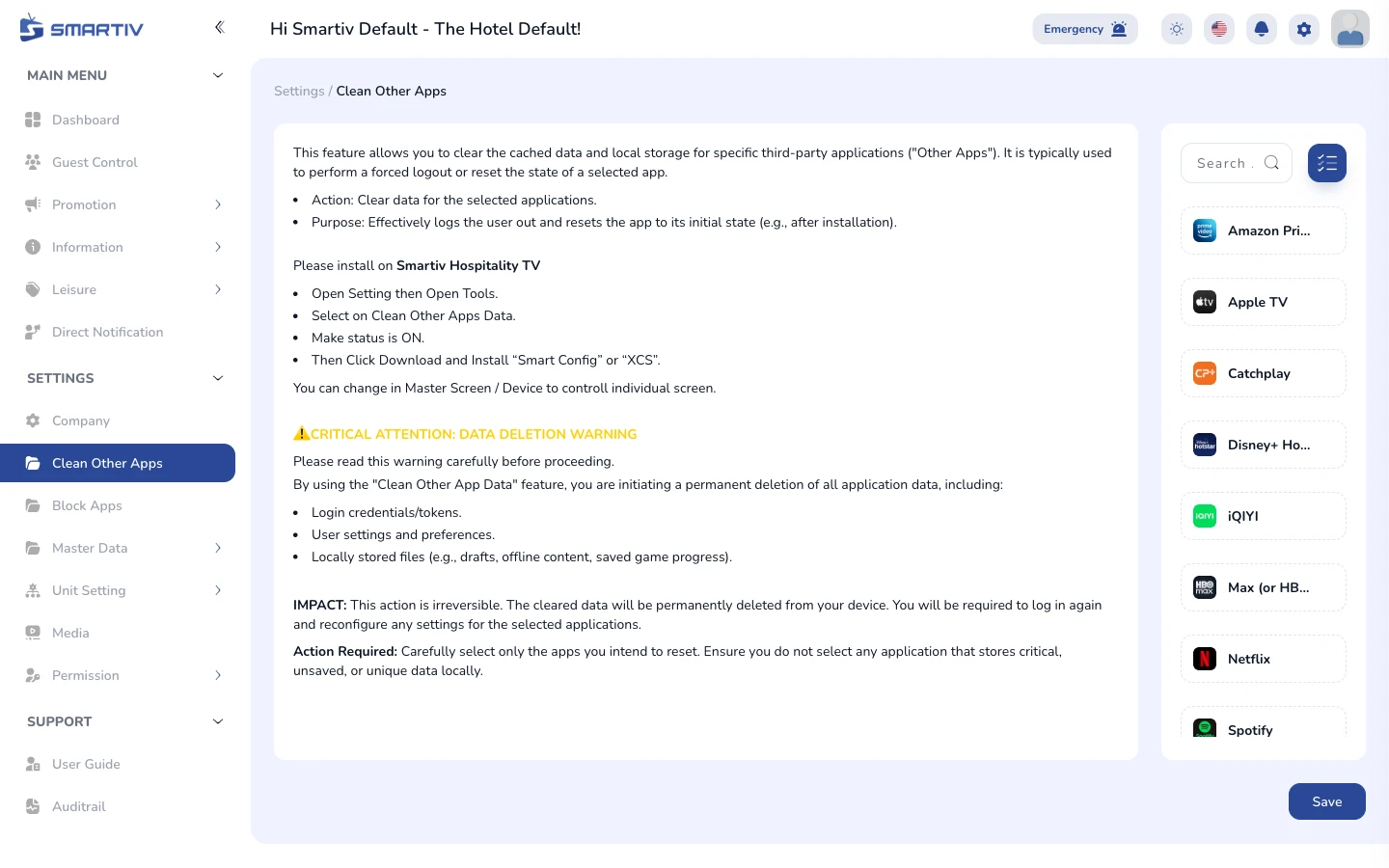
Clean Other Apps page listing installed apps per device.
Select Apps to Remove
Choose apps from the list
The table shows apps detected on connected devices. Use the action button to mark apps for removal.
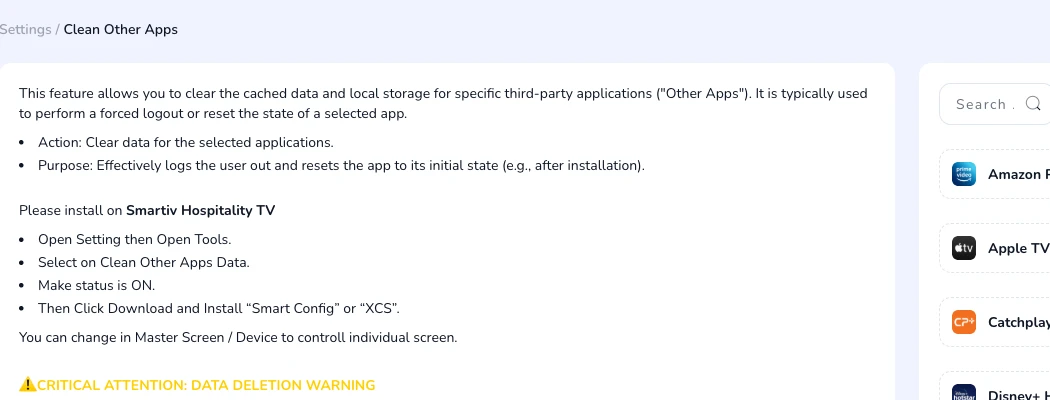
Table showing app names, package identifiers, and action buttons.
ImportantRemoving apps is pushed to devices immediately. Ensure you are removing the correct app.