Overview
Overview of occupancy, device status, storage, and activity. Follow the steps below to complete this task.
Click Dashboard in the left sidebar under Main Menu. The dashboard loads automatically when you first log in. It provides a real-time overview of your property key metrics.
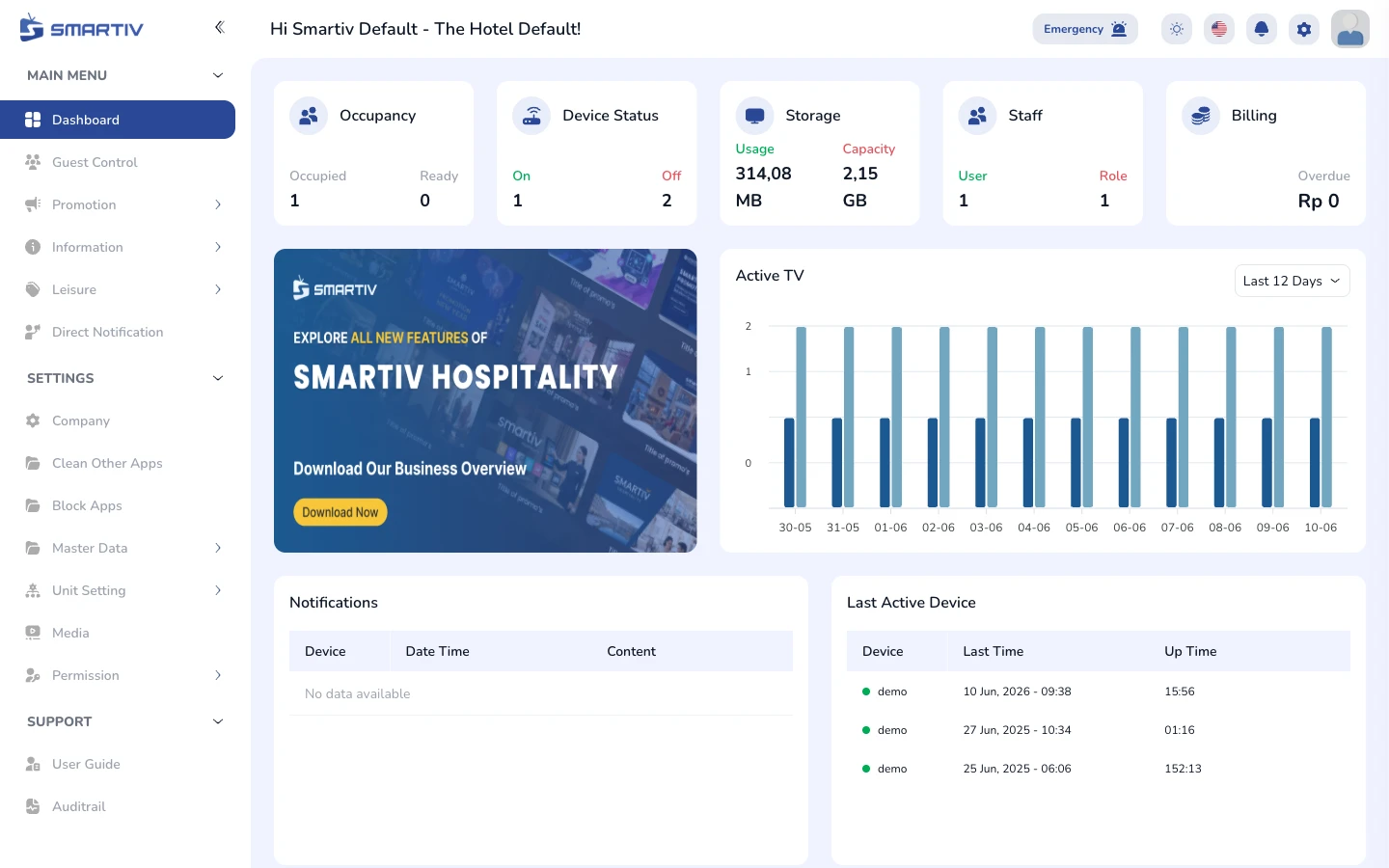
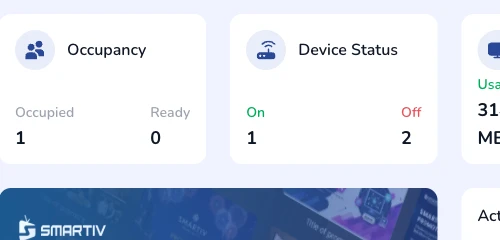
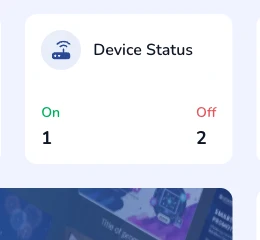
Five summary widgets are displayed at the top row. Occupancy shows occupied vs ready rooms. Device Status shows On/Off TV counts. Storage shows usage vs capacity. Staff shows user and role counts. Billing shows any outstanding overdue amount.
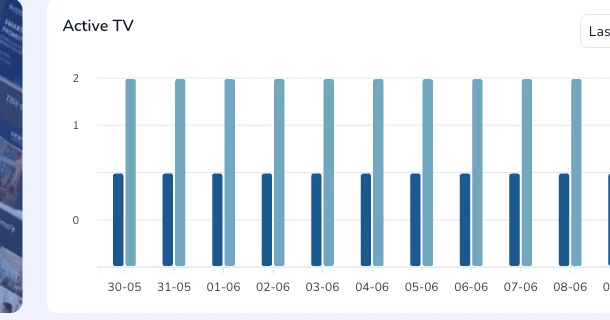
The Active TV bar chart on the right side shows how many TVs were active per day. Use the dropdown in the top-right of the chart to switch between Last 12 Days, Last 30 Days, or a custom range.
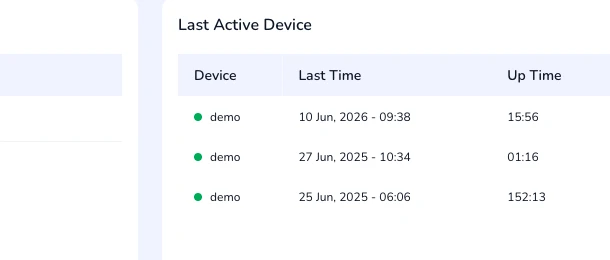
The Last Active Device panel lists the most recently active TVs with their last seen time and total uptime. The Notifications panel shows content-related alerts tied to specific devices.