Overview
Access the built-in CMS user guide. Follow the steps below to complete this task.
📂 Support
Beginner
⏱ 1 min
📋 2 steps
Navigate to User Guide
Open from the sidebar
In the left sidebar, expand Support and click User Guide. The page contains the built-in documentation for the CMS.
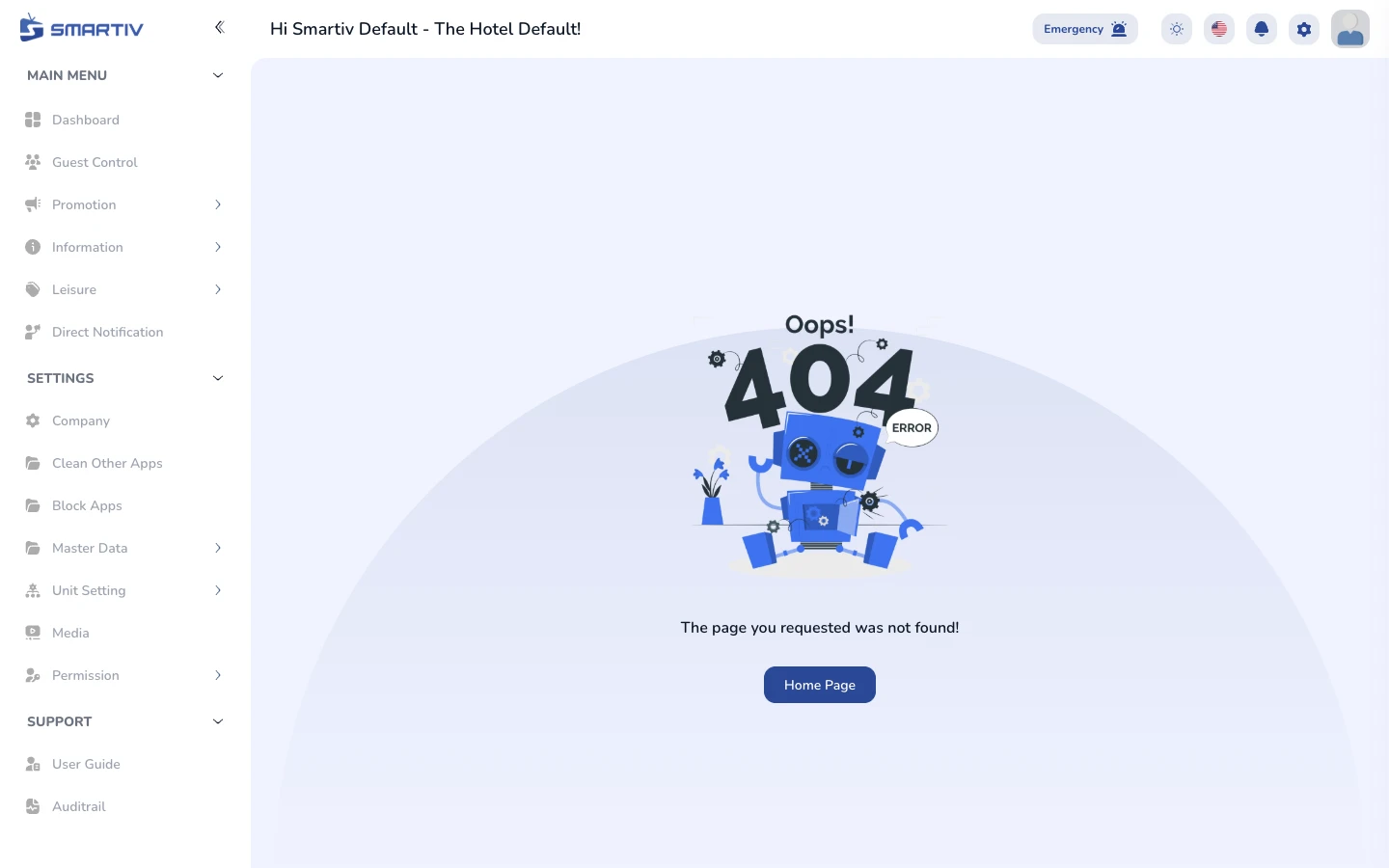
The User Guide page under Support.
NoteDirect URL:
/support/user-guideBrowse the Guide
Find the topic you need
Scroll through the guide content or use your browser search (Ctrl/Cmd + F) to find a specific topic. For anything not covered, contact Smartiv support.
User guide content viewer.